DUMP MACHINE STATE
The internal data for the entire machine, including PATTERNS, TRACKS, SNAPSHOTS and
CONFIG can be dumped via MIDI system exclusive messages for backup, transfer and
storage.
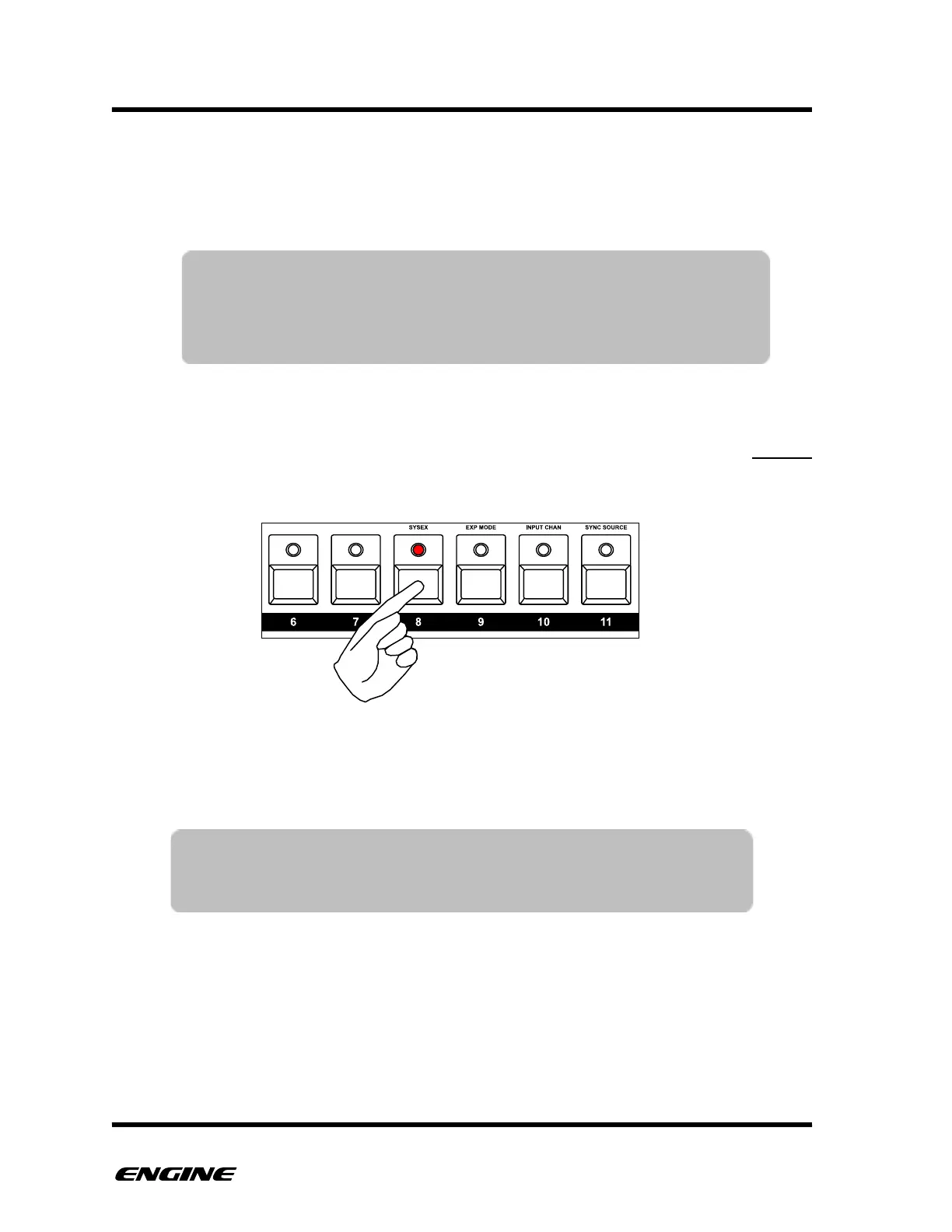
To dump the entire machine, while in GLOBAL CONFIG MODE, click the SYSEX (pattern
step 8) button. The machine state will be sent immediately.
To receive a machine state dump, your SYSEX receiver should be listening for multiple
sysex messages.
To reload a system exclusive dump into ENGINE, replay the MIDI file into Engine. Engine
does not need to be in a special mode. All data will be overwritten immediately, but if the
sequencer is playing, new patterns will not start until the current patterns loop.!
TIP: If you are in GLOBAL CONFIG mode when receiving a system
exclusive dump, the LED display will briefly show when a dump is
successfully completed.
NOTE: The USB MIDI setting in GLOBAL CONFIG MODE controls
whether MIDI system exclusive is sent via USB MIDI or DIN MIDI
outputs. By default, USB MIDI is selected, which transfers system
exclusive at much greater speed.



 To Next Page