MACHINE WIPE
It is possible to clear all patterns, songs and snapshots without changing other machine
settings. This is useful when starting a new project that will use the same configuration for
things like track MIDI settings, sync configuration, etc.
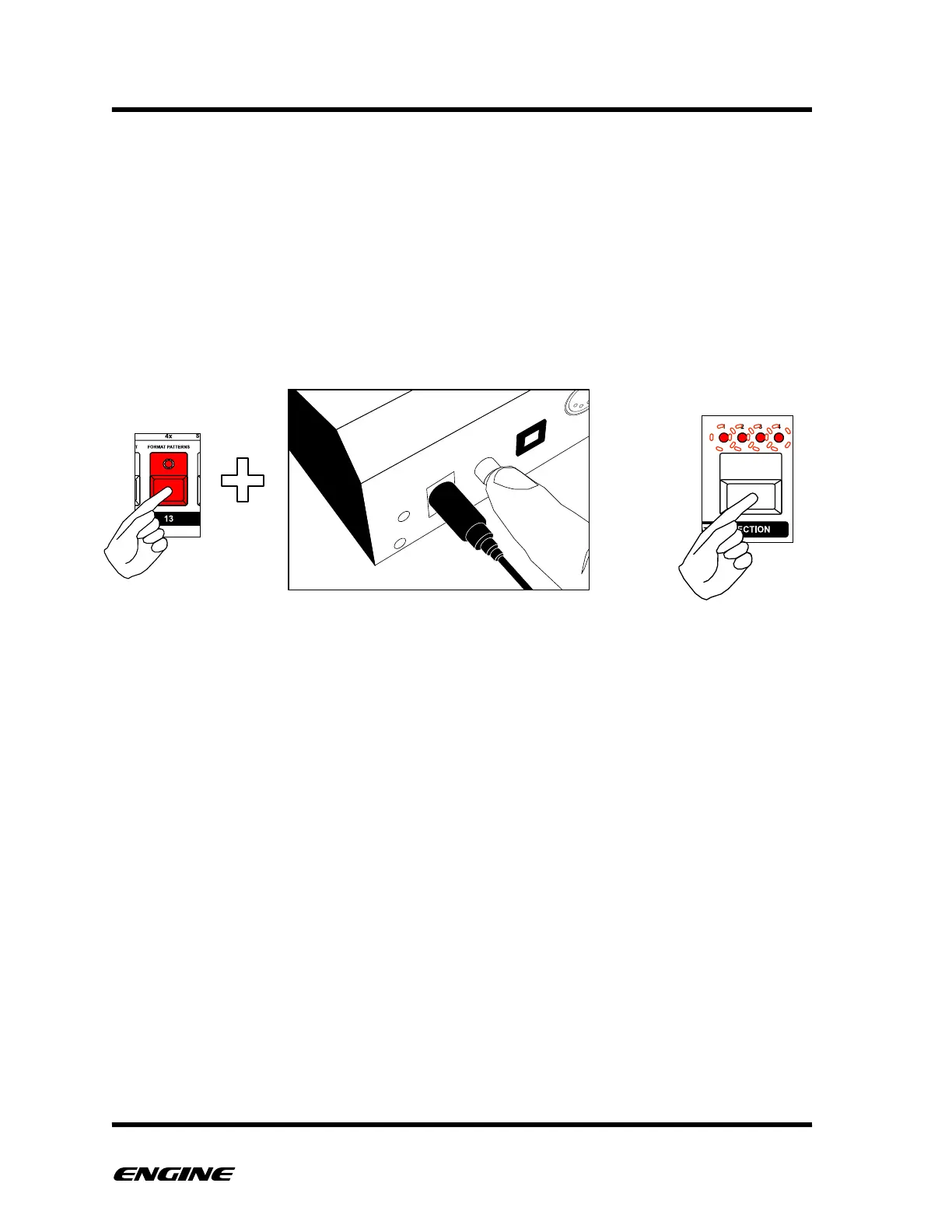
To wipe the machine, press and hold step 13 (FORMAT PATTERNS) while powering on
the machine. The LED display will show “clr” and the SECTION LEDs will blink. Click the
SECTION button to confirm and execute the wipe
The machine will continue to boot normally after wiping.!



 To Next Page