SYNC SOURCE
Engine can be set to synchronize to different clocks. This includes MIDI clock (default),
DIN Sync (24 or 48) or the internal clock.
When Engine is set to either MIDI or Internal clock, the DIN Sync port will send DIN sync
at the configured clock rate.
If Engine is set to sync to DIN Sync, the DIN Sync port dynamically switches to become
an input port.
SPECIFYING THE SYNC SOURCE
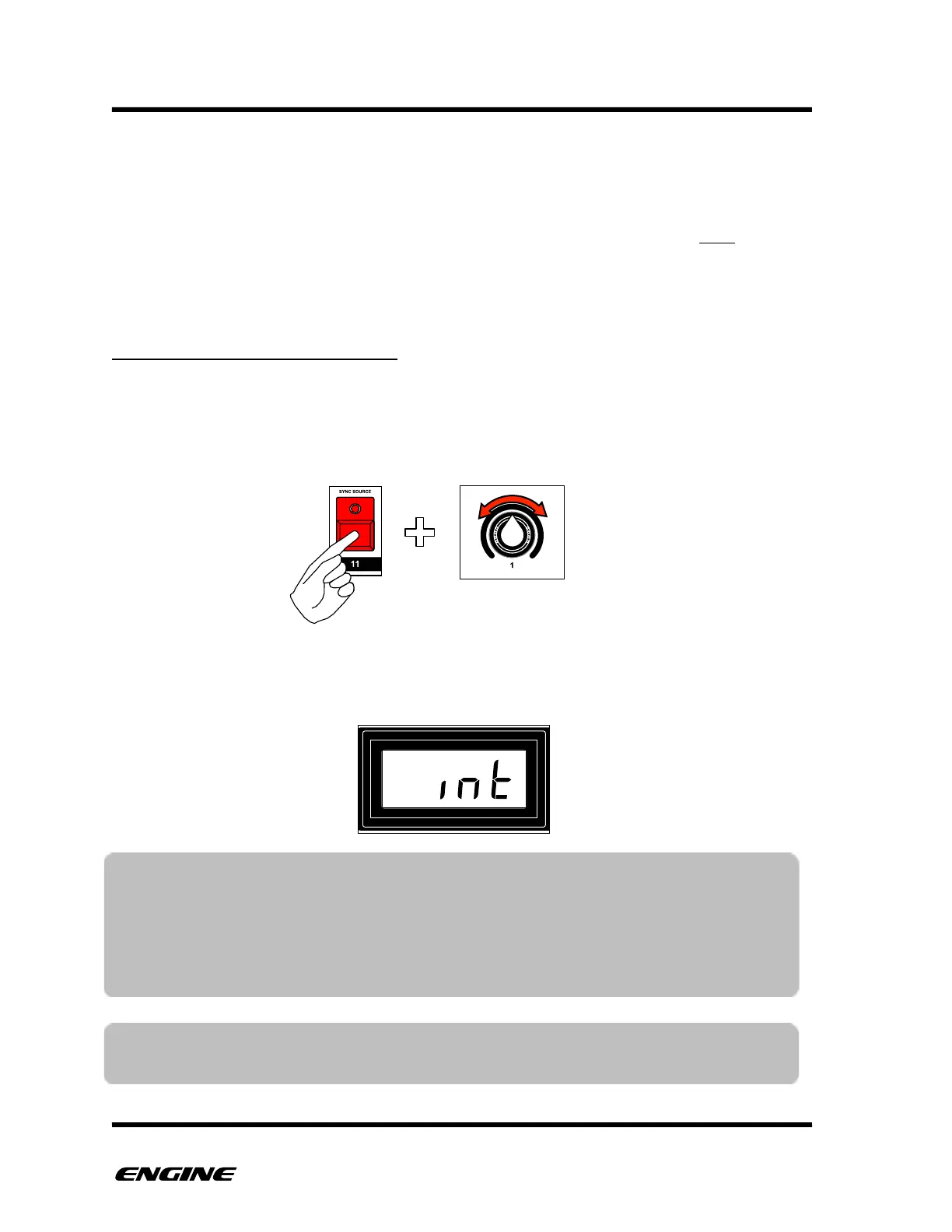
To change the sync source, while in CONFIG mode, press and hold SYNC SOURCE (step
11) button, then rotate control knob one or click BACKWARD/FORWARD to select the
desired source.
The current sync source will be shown on the LED display while holding the SYNC
SOURCE button.!
TIP: When syncing to an external clock, you can still start the internal clock. This
allows the sequencer to continue running even if the external clock is stopped.
When the master clock sends a new start, playback will automatically realign
with the master clock and continue. This is useful during live performance when
a master may need to be stopped to make changes, while Engine continues
playback.
NOTE: When syncing to external clock, if clock messages stop arriving without a
MIDI Stop, the sequencer will fall back to internal clock after two seconds.



 To Next Page