TIME MODE
Time mode is used to set all of the timing parameters for a pattern. This includes the
pattern length, timing scale, shuffle and skipped steps. An initialized pattern is
automatically set to a length of 16 steps, 4/4 timing, zero shuffle with no skipped steps.
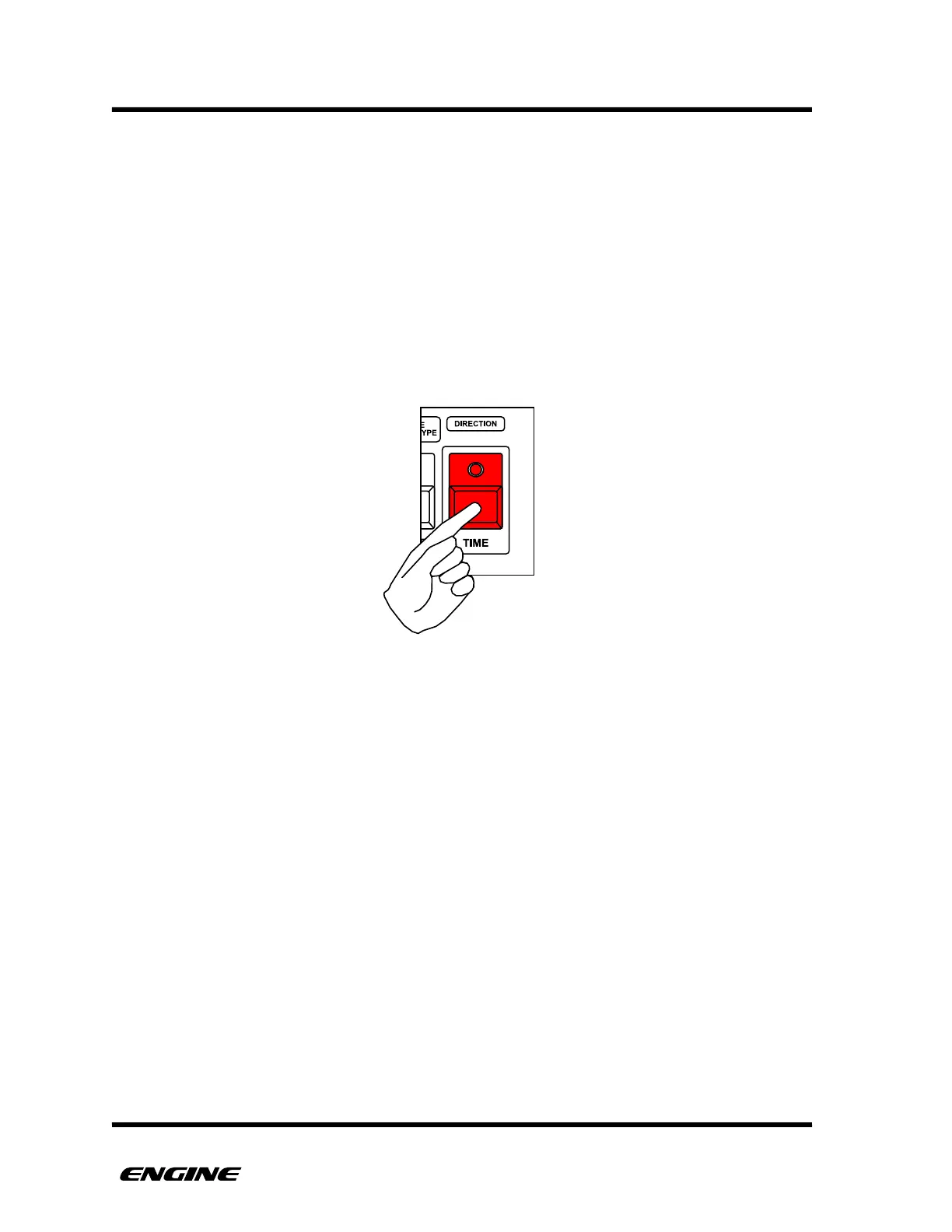
The TIME button has a black line surrounding it, with the word TIME below it. This is a
visual indicator to understand the TIME functions of the other buttons. Other button labels
that are below the button and in a white rectangle surrounded by black indicate a TIME
function.
To enter time mode, press and hold (or double click) the TIME button.
For all TIME MODE functions documented in subsequent sections, it is assumed that you
are holding the TIME button, or have double-clicked the TIME button to pin TIME MODE.



 To Next Page