GRID PROGRAMMING
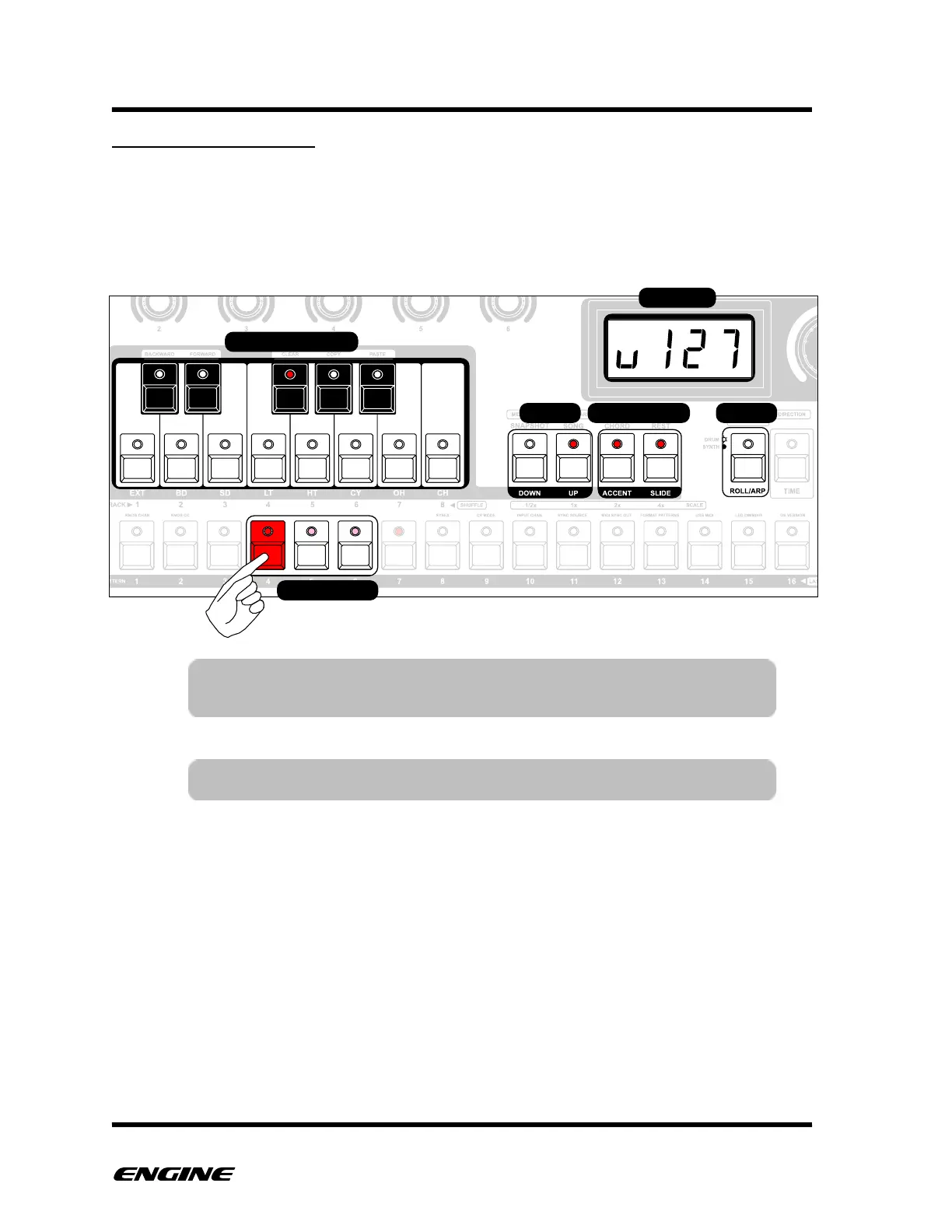
Grid programming mode is the default mode and is always active, meaning that you
don’t need to enter record mode to use grid programming. Grid programming is the
"classic" method of entering notes using the pattern step buttons. You can see the
programmed steps and step lengths directly on the step LEDs. All of the step attributes
are visible and can be edited while holding down a step button.
TIP: You can click the TRANSPOSE button while holding a step to
show the step gate length or delay on the LED display



 To Next Page