PROGRAMMING A CONTROL TYPE PATTERN
Control type patterns can be programmed using grid programming, step programming or
realtime recording. Each method has it's strengths, so you can choose the appropriate
method for your situation. Realtime recording and step recording can also be used
simultaneously with grid programming, allowing for very interactive sequencing.
GRID PROGRAMMING
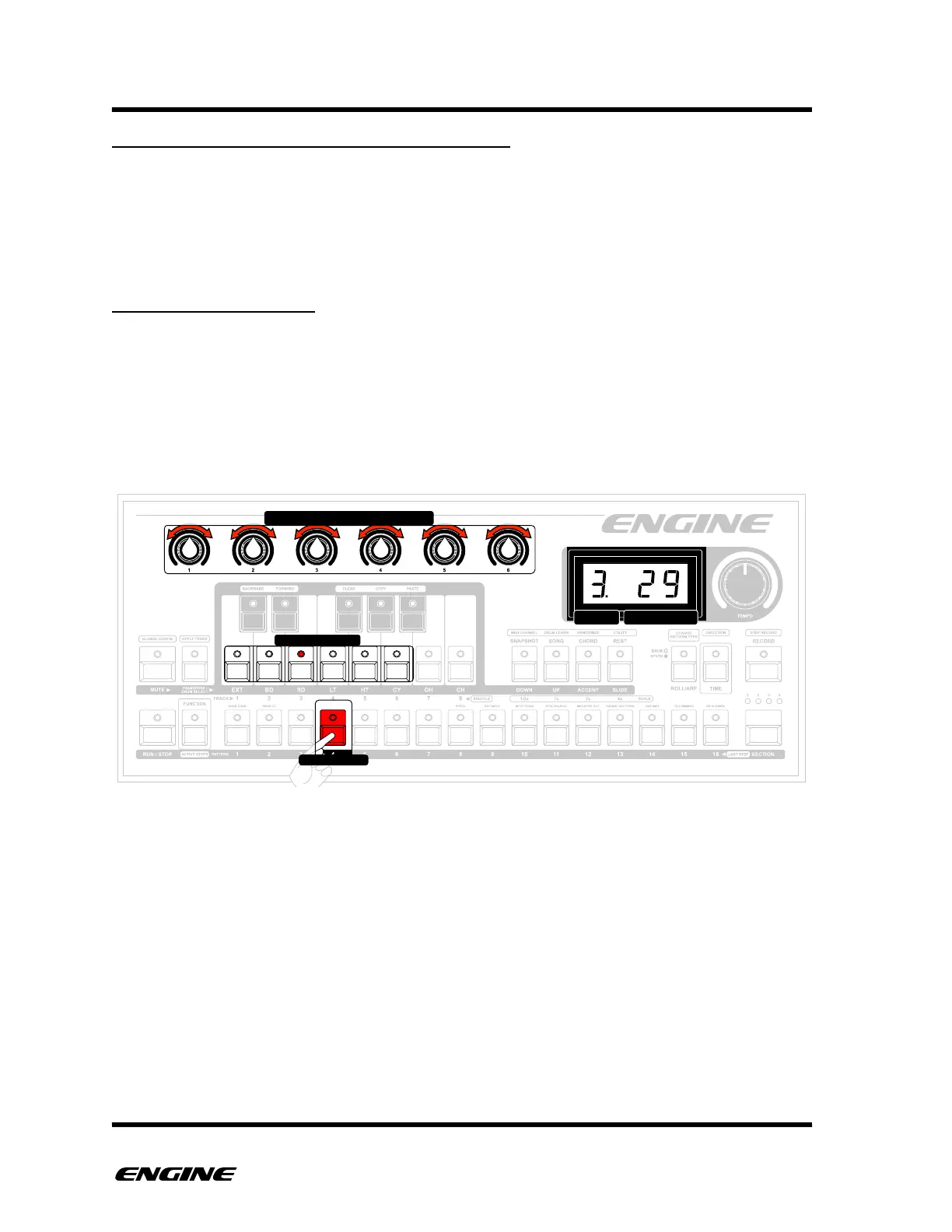
Grid programming mode is the default mode and is always active, meaning that you
don’t need to enter record mode to use grid programming. Grid programming allows you
to enter control values using the pattern step buttons. The step LEDs show which steps
have a recorded control value for the currently selected control.
The programmed control value of a step is visible and can be edited while holding down
a step button.



 To Next Page