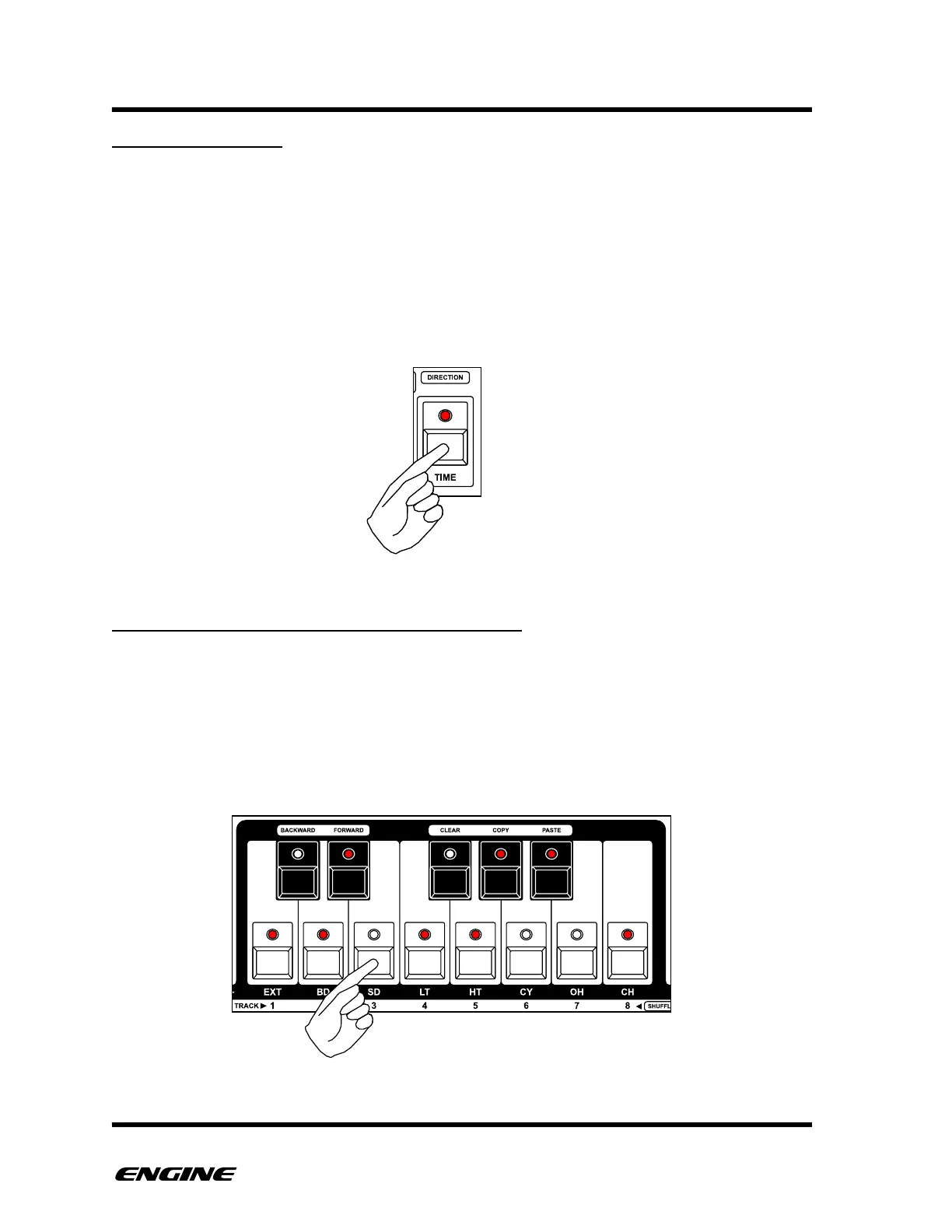
RANDOMIZE GATE
If you do not want to randomize the gates of the current pattern, you can turn off gate
randomization.
For SYNTH type patterns, this means turning of the randomization of note events. For
DRUM type patterns, this turns off randomization of drum triggers. For CONTROL type
patterns this turns off randomization of control triggers.
While holding the RANDOMIZE button, the TIME button can be used to turn on/off the
randomization of gates in the pattern.
SYNTH1/SYNTH2: RANDOMIZATION PITCHES
For SYNTH type patterns, you can specify which pitches will be generated by the
RANDOMIZE function. This is useful to generate patterns that have specific notes that will
fit into your melodic structure.
While holding the RANDOMIZE button, the keys of the mini-keyboard will show the
pitches that can be generated. To remove/add a pitch, click the corresponding button of
the mini-keyboard.



 To Next Page