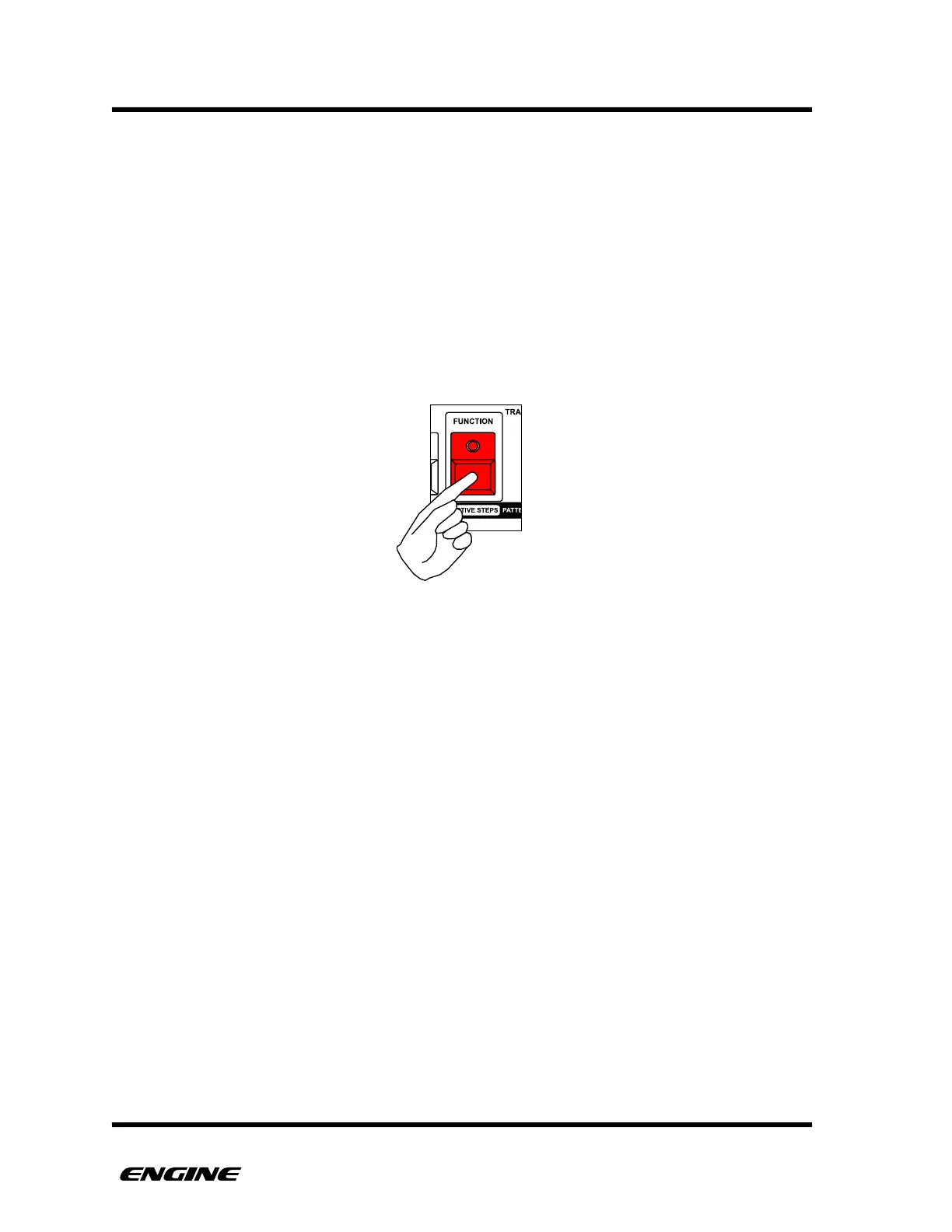
FUNCTION MODE
Function mode is used to perform many alternate functions on patterns and tracks. This
includes functions like pattern randomize, clear/copy/paste, pattern direction, MIDI
effects and UTILITY MODE.
The FUNCTION button has a colored line surrounding it, with the word FUNCTION above
it. This is a visual indicator to understand the FUNCTION actions of the other buttons.
Other button labels that are above the button and in a colored rectangle indicate a
FUNCTION action.
To enter function mode, press and hold (or double click) the FUNCTION button.
For all FUNCTION mode actions documented in subsequent sections, it is assumed that
you are holding the FUNCTION button, or have double-clicked the FUNCTION button to
pin FUNCTION MODE.



 To Next Page