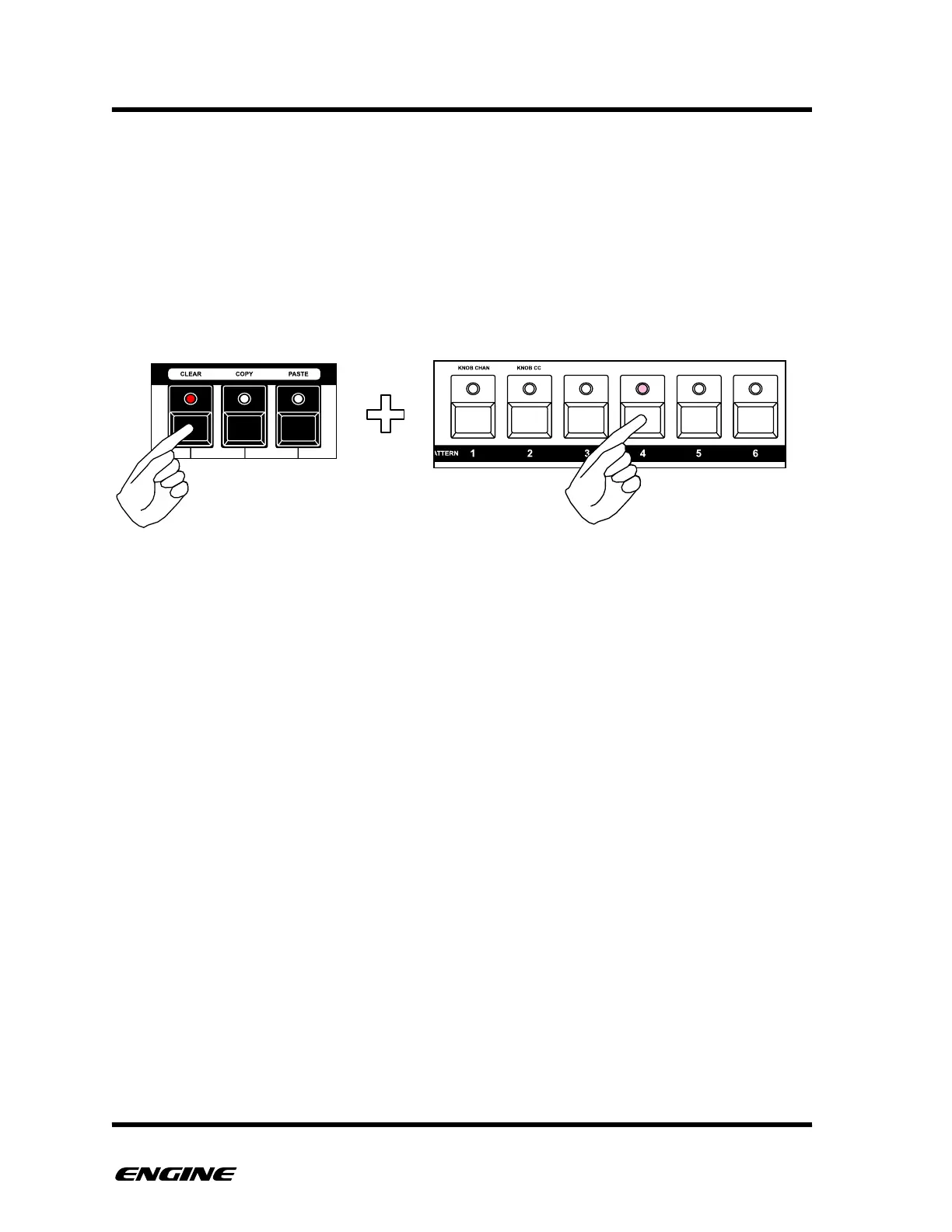
CLEARING SNAPSHOTS
Clearing a snapshot sets that snapshot location as unused. It will assign all tracks with
patterns that match the snapshot number, for example clearing snapshot 6 will
automatically assign pattern 6 to all tracks in the snapshot.
To clear a snapshot, while in SNAPSHOT mode, press and hold the CLEAR (F sharp)
button, then click the step button for the snapshot you wish to clear. You can clear
snapshots other than the currently selected snapshot.



 To Next Page