CHANGING THE LFO MODULATION DEPTH
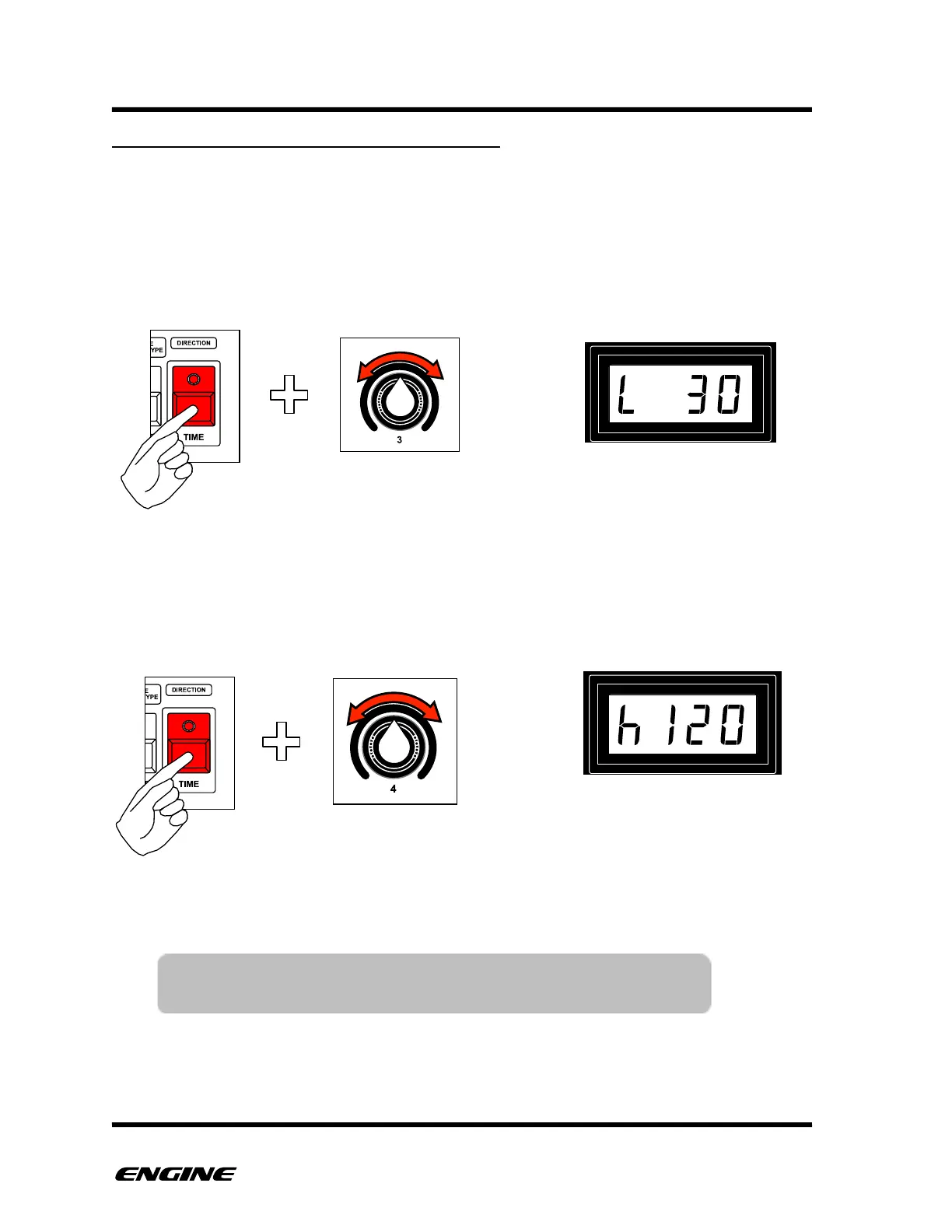
The modulation depth of the LFO can be adjusted to limit the range of control messages.
Both the lower and upper limits of the control range can be set independently.
To change the LFO modulation depth, while in LFO mode, press the TIME button and then
turn either control knob 3 for the lower limit or control knob 4 for the upper limit. The
limit will be displayed on the LED display.
!



 To Next Page