DRUM/CTRL: INSTRUMENT EXCLUDE
For DRUM and CONTROL type patterns, you can specify which instruments/controls will
be affected by the RANDOMIZE function. This is useful to generate random patterns for
only a specific instrument while leaving other instruments untouched.
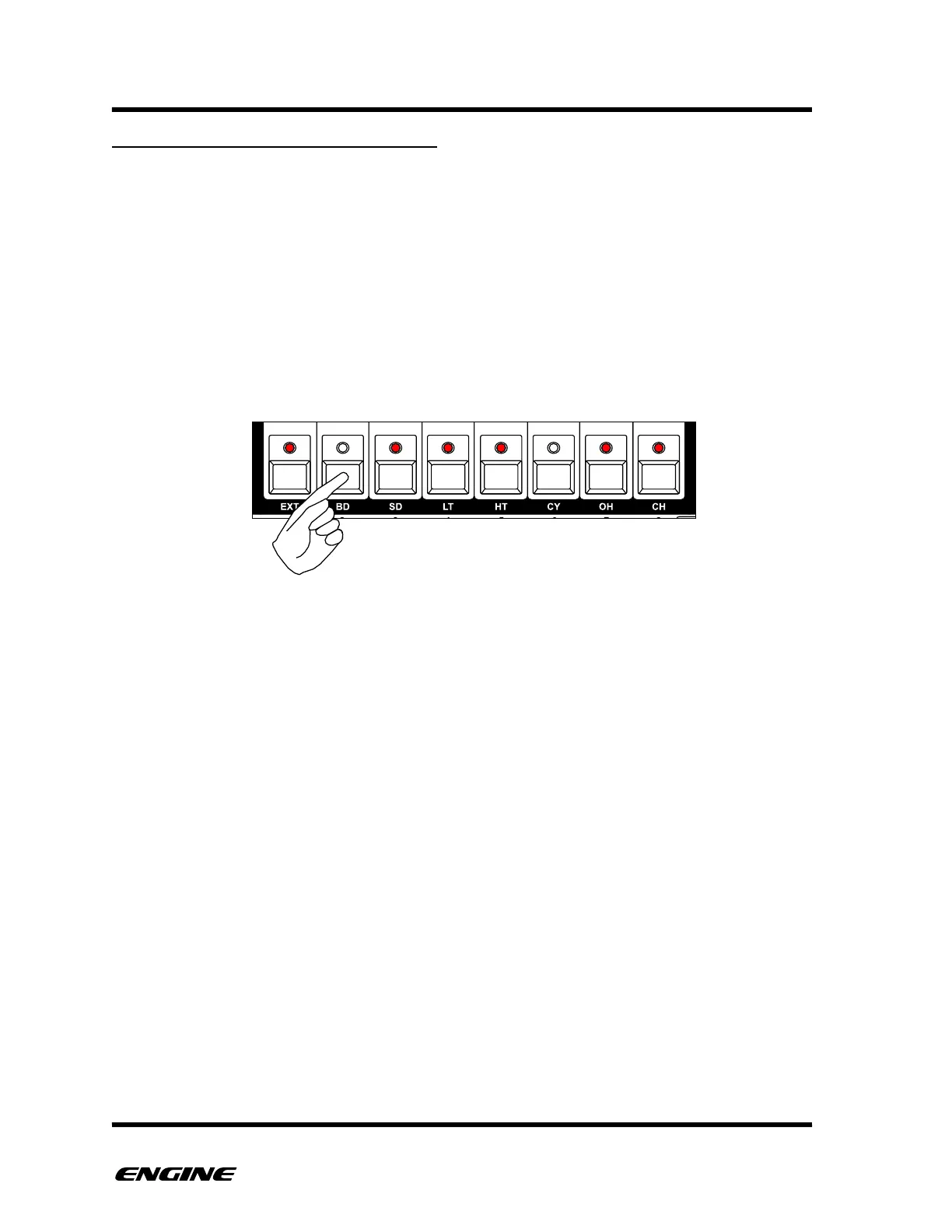
While holding the RANDOMIZE button, the keys of the mini-keyboard will show the
instruments or controls that will be randomized. To remove/add an instrument, click the
corresponding button of the mini-keyboard.
For DRUM type patterns, you can move between the instrument groups by clicking
BACKWARD/FORWARD buttons.



 To Next Page