SNAPSHOT FUNCTION MODE
SNAPSHOT FUNCTION mode allows control of MIDI effects without leaving snapshot
mode.
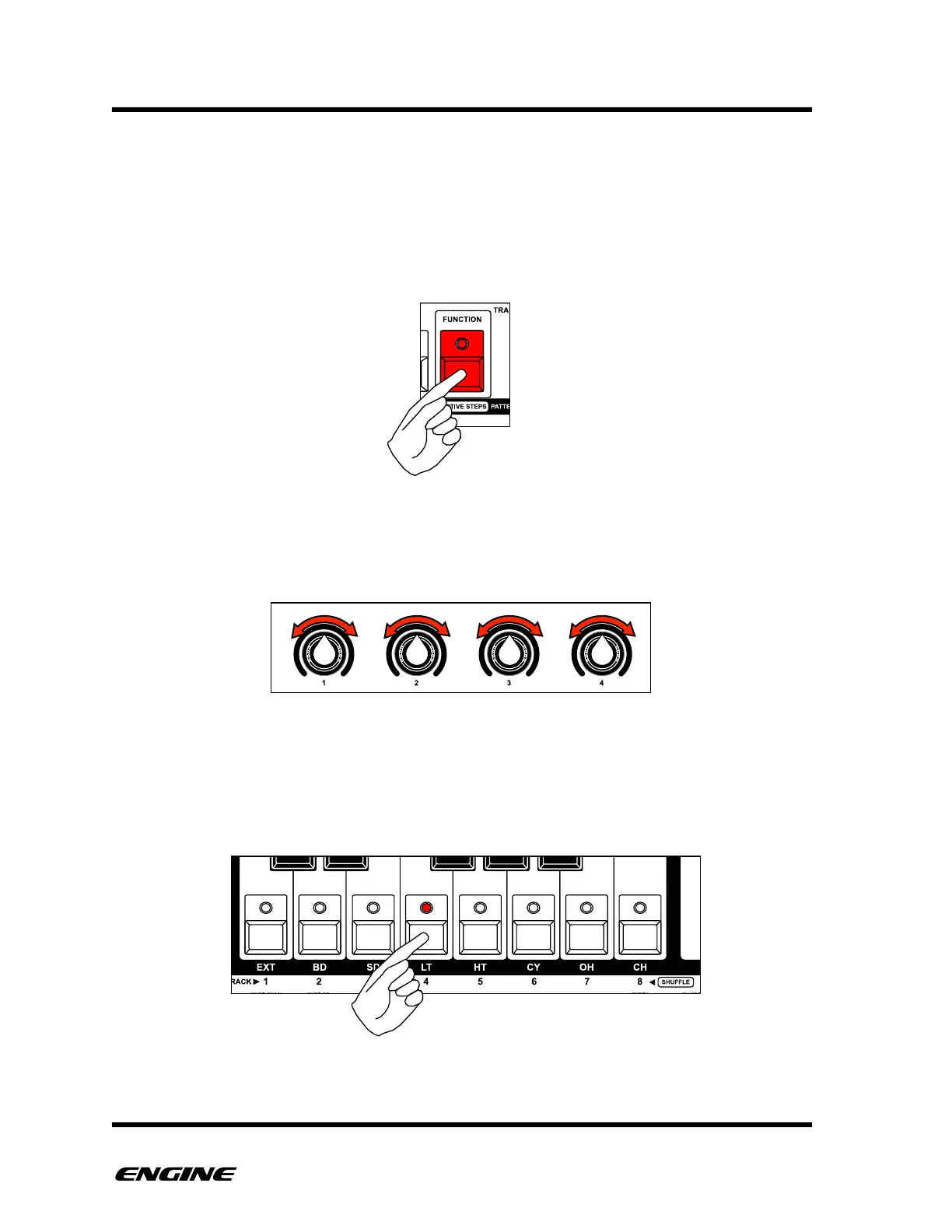
To enter SNAPSHOT FUNCTION mode, while in SNAPSHOT MODE, press and hold (or
double-click) the FUNCTION button.
While in SNAPSHOT FUNCTION mode, you can use the control knobs to modify MIDI
effects settings for the current selected track. See the section on MIDI effects for details.
While in SNAPSHOT FUNCTION mode, the eight track select buttons can also be used to
change the currently selected track. This is useful to change the destination of the MIDI
effects or the transpose/mute functions without leaving SNAPSHOT FUNCTION mode.!



 To Next Page