USING MIDI CONTROLLERS
The MIDI controller number for each control knob can be set separately per track. This
allows each control knob to be used to control a different parameter per track if needed.
The corresponding control message will be sent when the knob is turned.
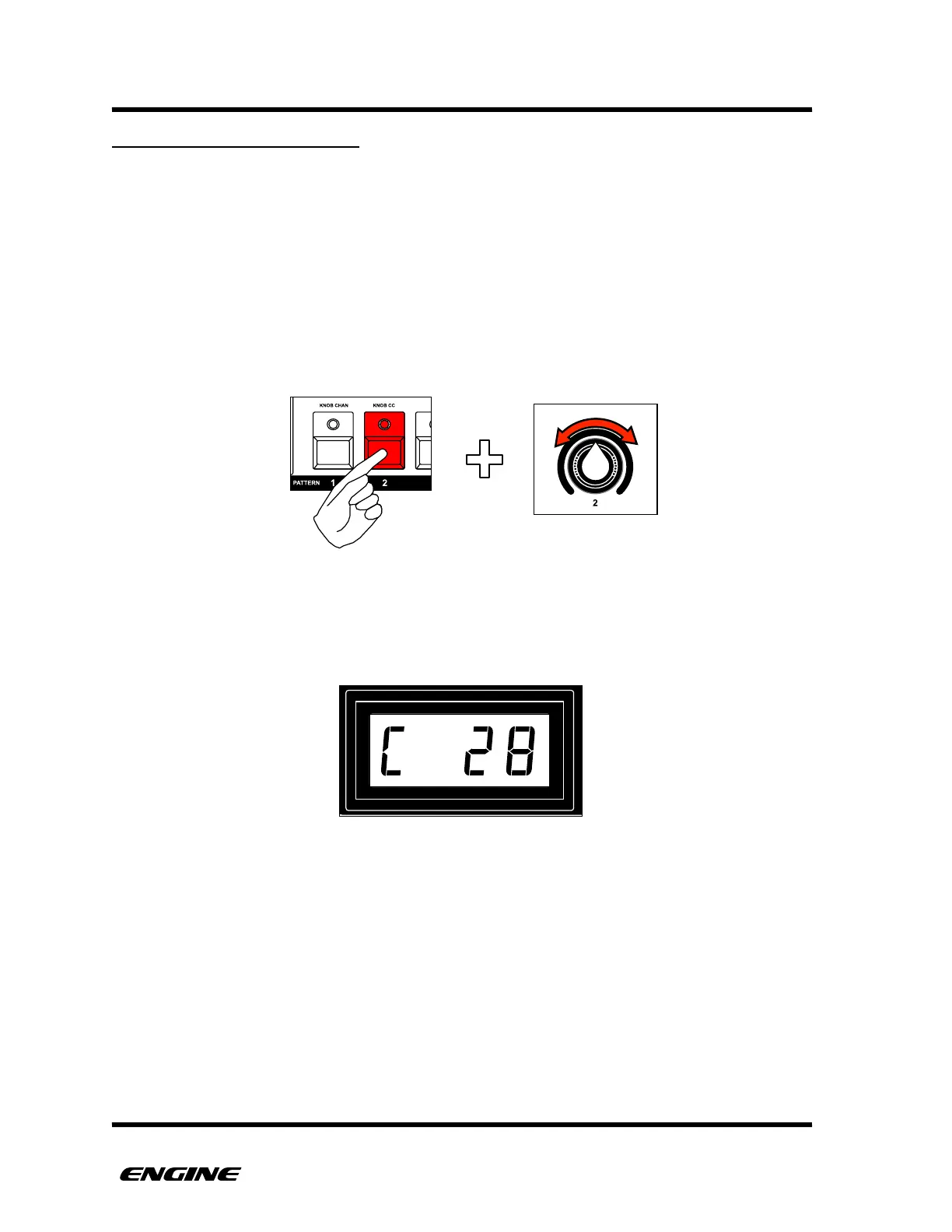
To set the MIDI controller number for a control knob for the selected track, while in
UTILITY mode, press and hold pattern step button 2, then turn the control knob you wish
to set.
The knob values will start from the bottom of the knob range at C0 (for controller number
0) to C127. Above C127, begin the values for track modulators.
The value will be displayed on the LED display. !



 To Next Page