SYNTH1/SYNTH2: TRANSPOSING TRACKS USING MIDI
Each track can be configured to listen to incoming MIDI notes to apply transposition. This
is extremely useful if you wish to transpose multiple tracks simultaneously. Some tracks
can be assigned to transpose, while others do not transpose. Transposition applies only
to SYNTH1 and SYNTH2 type patterns
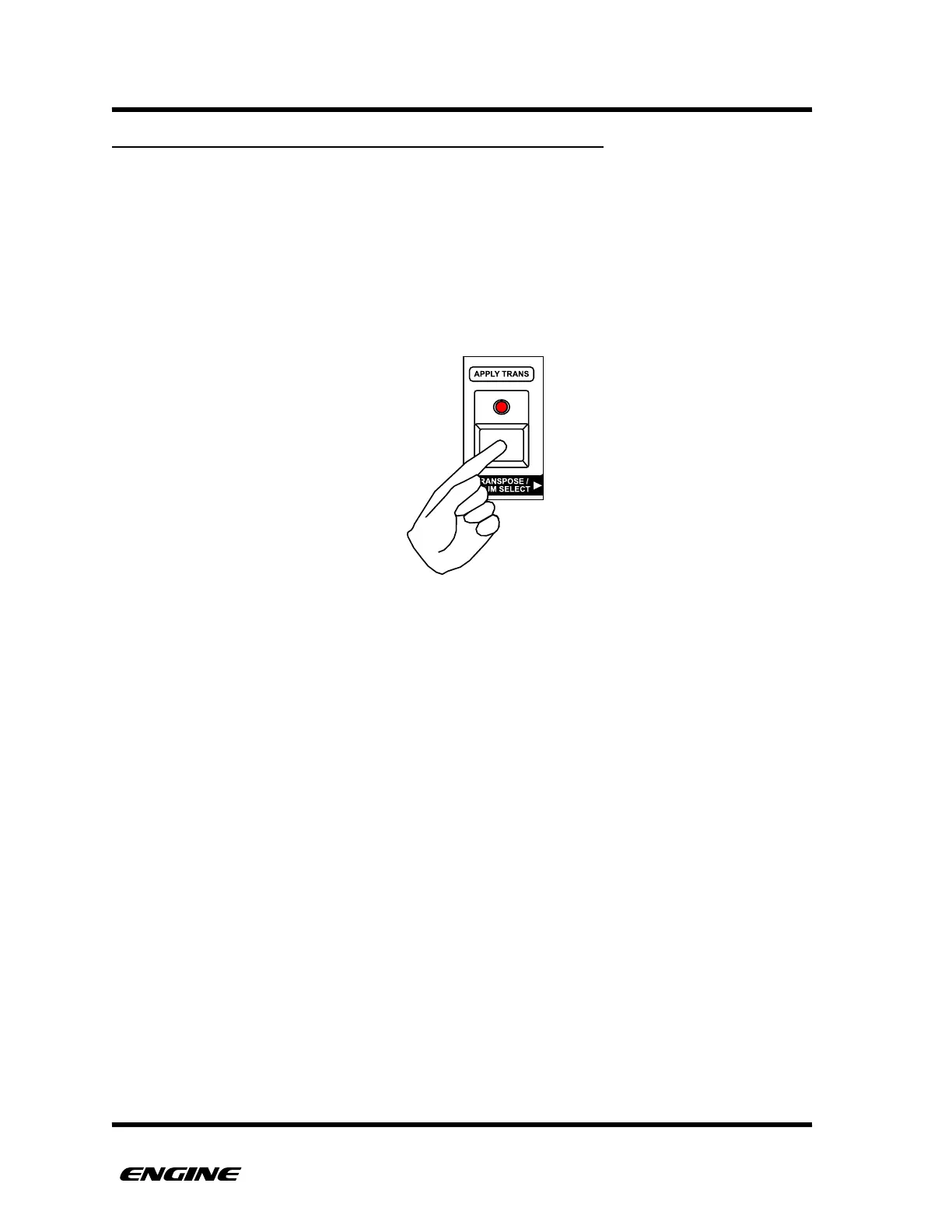
To enable or disable MIDI transpose for a track, in UTILITY MODE, click the TRANSPOSE
button. When transpose is enabled for the track, the TRANSPOSE LED will be lit, if
transpose is disabled , the LED will be off.
The MIDI transpose function respects the settings for MIDI input channel and track
channels, this means that you can transpose different tracks using different input devices,
which can be a creative option.



 To Next Page