MASTER TRACK
Normally, Engine will automatically calculate when to advance snapshots and song steps
based on the looping of the longest currently playing pattern across the eight tracks. This
method is good for many cases, but in some cases you may wish to designate which track
controls the loop point. For example, if you are using many short patterns that are less
than 16 steps, unused patterns would control the loop point because they would be a
default 16 steps long.
The MASTER TRACK setting allows you to do define which track is used to advance
snapshots or song steps regardless of how long any other patterns in other tracks may be.
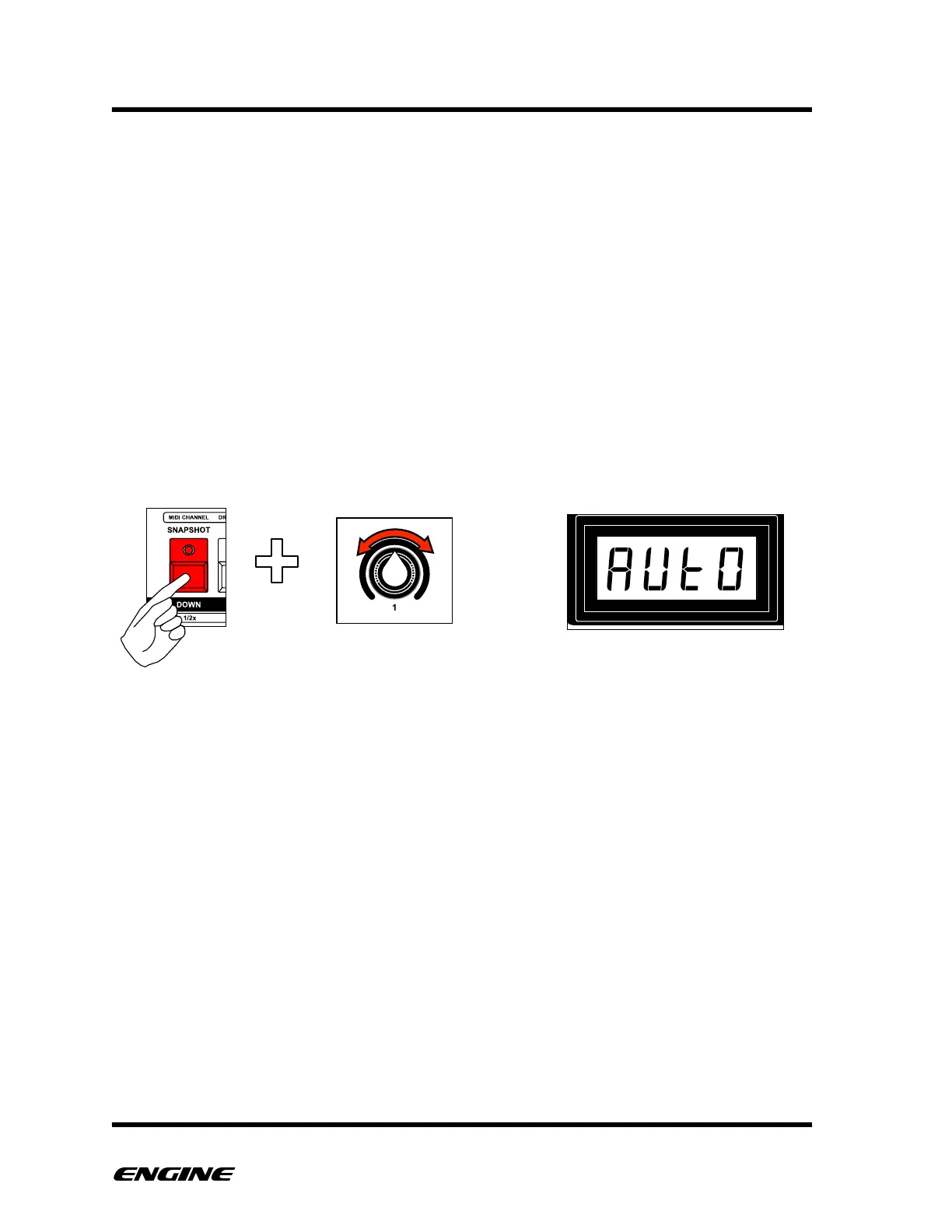
To set the MASTER TRACK, in CONFIG mode, click and hold the SNAPSHOT button. The
current MASTER TRACK setting will be shown on the LED display. To change the setting,
rotate control knob 1 or click the BACKWARD/FORWARD buttons.
You can select the master track to be any of the eight tracks, or set it to “auto” mode
which will dynamically choose the loop point based on the longest pattern in any of the
eight tracks.



 To Next Page