SYNTH2: POLYPHONIC PROGRAMMING
SYNTH2 type patterns have four note lanes, which can be used to edit polyphonic
sequences. Each note lane, has independent step programming for note start, length and
velocity, so you can think of each lane as a sort of “mini-sequence”.
The CV signal for a SYNTH2 pattern is always related to note lane 1 in 8 track mode.
SYNTH2: SELECTING THE NOTE LANE TO PROGRAM
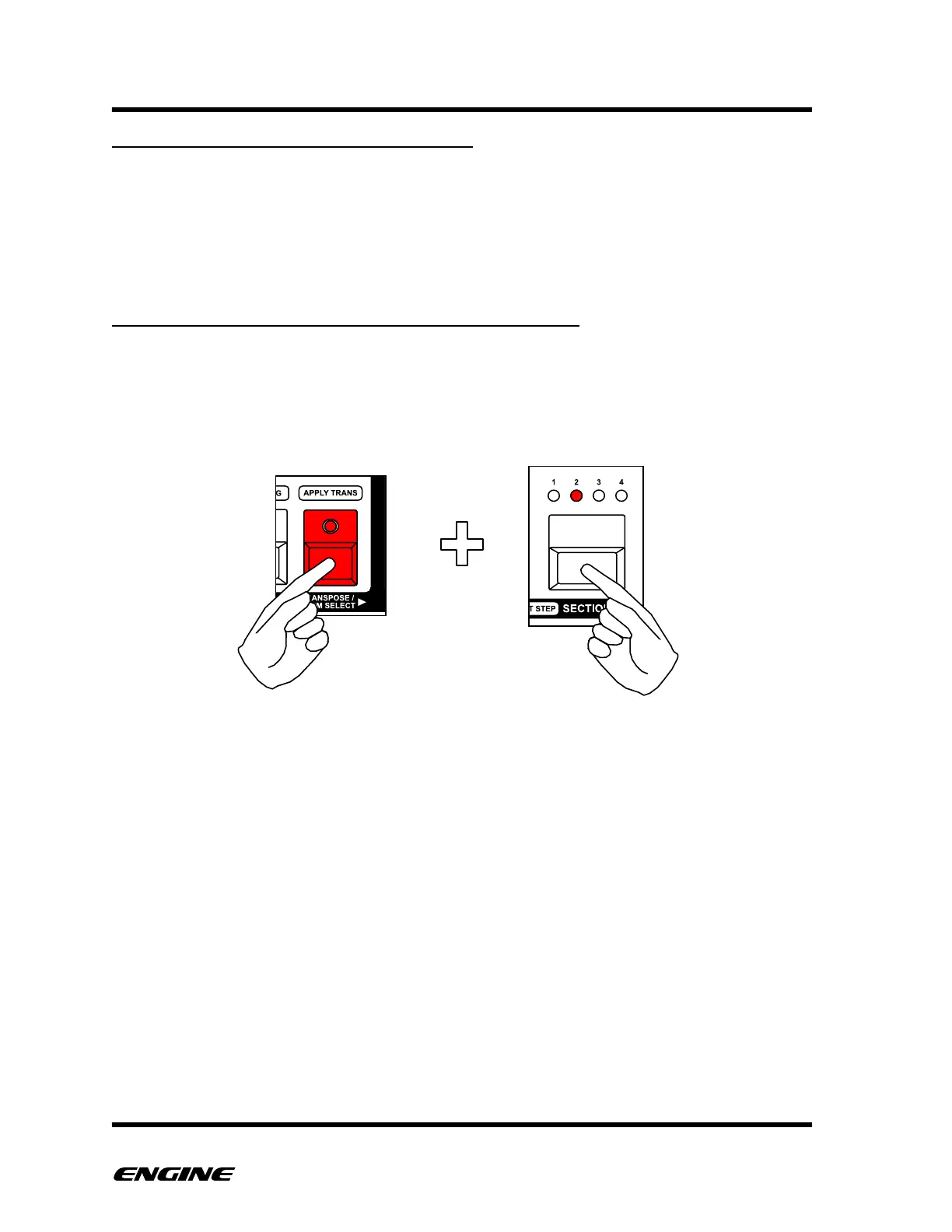
To select the current note lane, press and hold TRANSPOSE and then click the SECTION
button (with no other buttons pressed). While the TRANSPOSE button is held, the selected
note lane is displayed on the four SECTION LEDs. The note data for the selected lane will
be displayed on the pattern step buttons and can be edited.



 To Next Page