PATTERN RANDOMIZE
Pattern data can be randomized to create unexpected variations. Using randomize along
with precise pattern editing can result in usable patterns that might not have been obvious
through traditional sequencing.
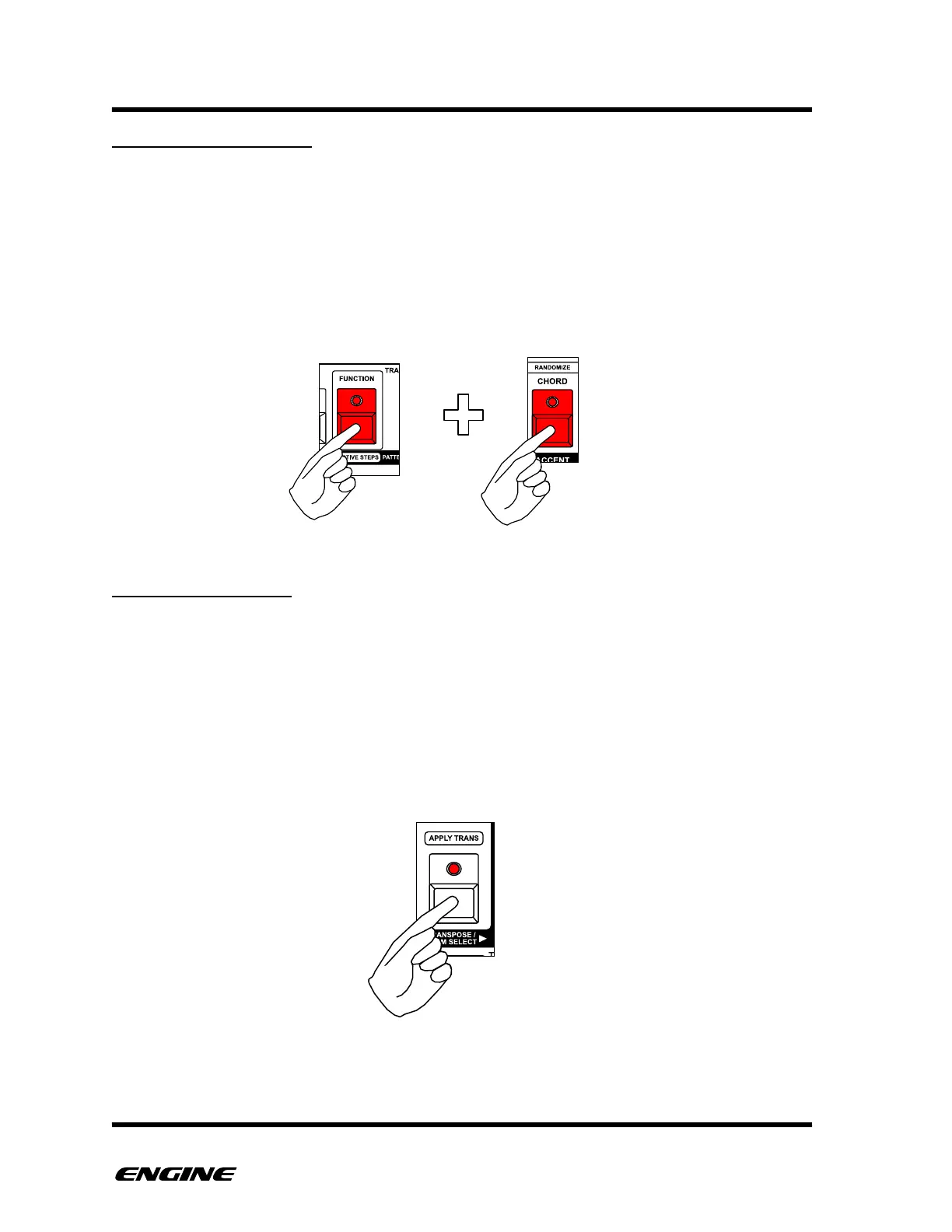
Randomize can selectively act on the step events of a pattern, including pitches, gates,
velocity and slide. To access the randomize function, in FUNCTION mode, hold the
RANDOMIZE button.
RANDOMIZE VALUE
If you do not want to randomize the values of steps in the current pattern, you can turn
off value randomization.
For SYNTH type patterns, this means turning off the randomization of pitch. For DRUM
type patterns, this turns off randomization of velocity. For CONTROL type patterns this
turns off randomization of the control values.
While holding the RANDOMIZE button, the TRANSPOSE button can be used to turn on/
off the randomization of values in the pattern.



 To Next Page