CHANGING A CONTROL VALUE
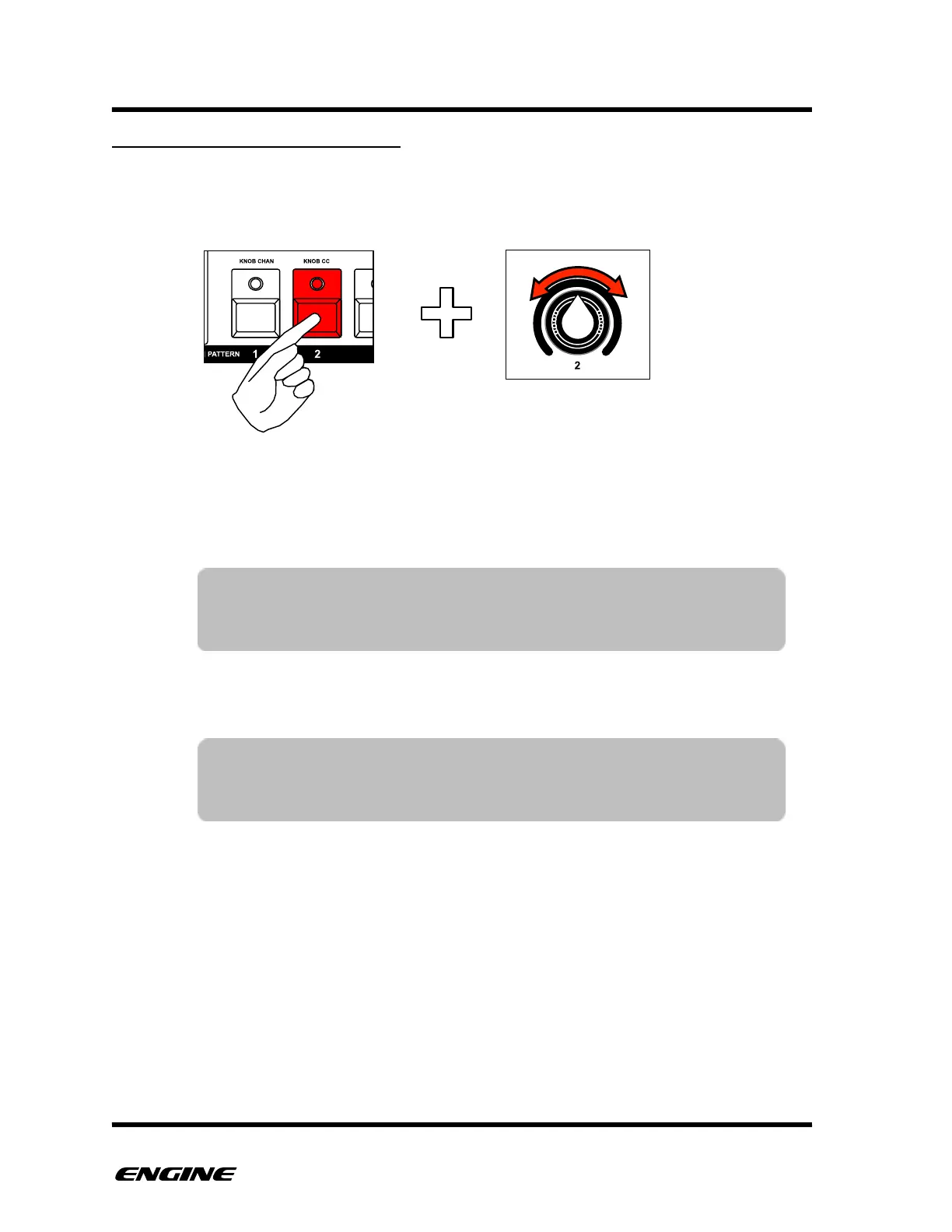
To change a control value, click and hold the pattern step button where you wish to place
the event. Continue to hold down the step button and then rotate one of the six control
knobs to record a new control value.
You can change any of the six control values using the control knobs. You can also use
the BACKWARD/FORWARD buttons to change the control value.
If you wish to edit an existing event, you can press and hold the step button and the step
will not be deactivated when releasing the step button.
TIP: When setting the value for a step using the control knobs, the
selected control and step LEDs will change automatically to the
control corresponding to the knob.
TIP: You can change multiple steps at the same time by holding two
step buttons while turning a control knob. All intermediate steps
will also be set to the same value.



 To Next Page