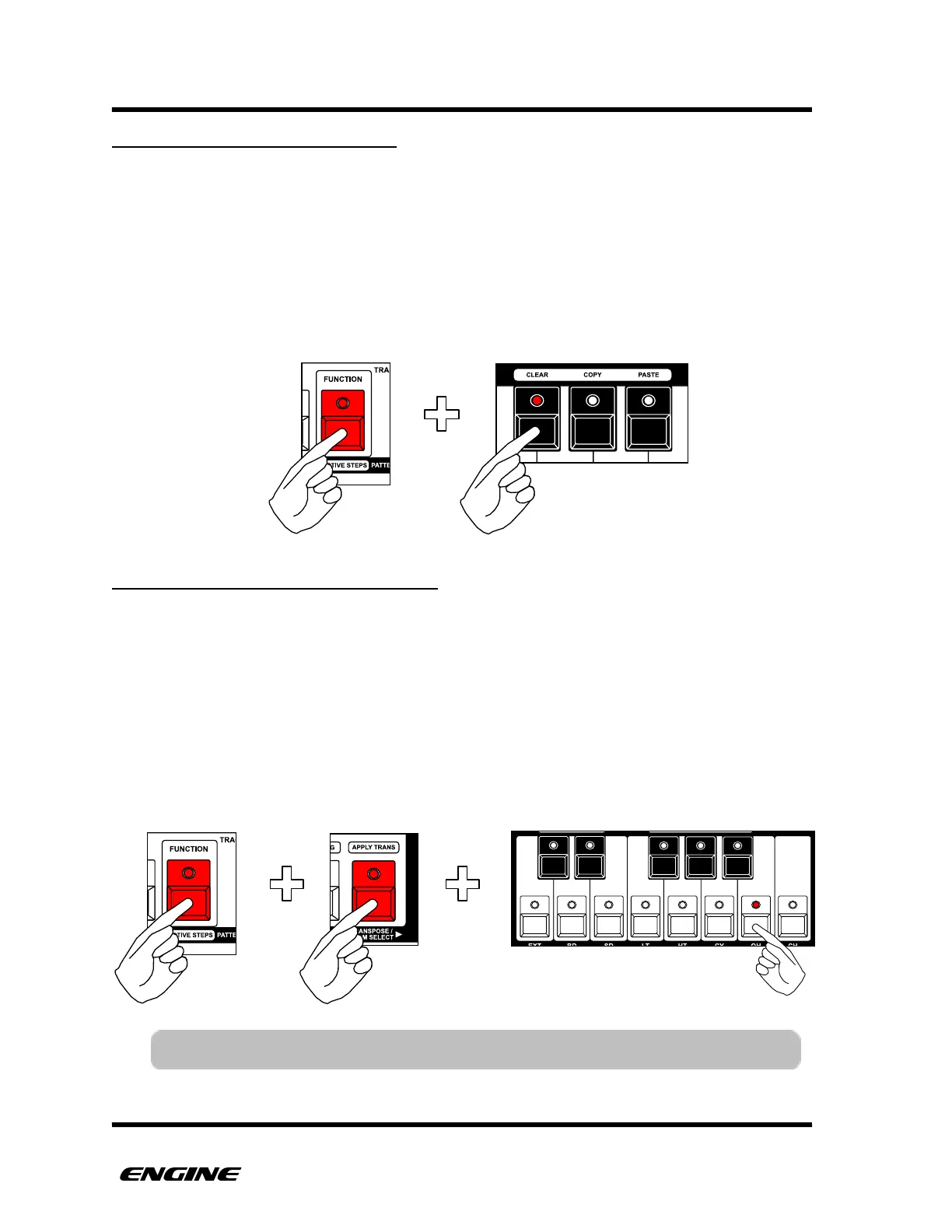
CLEARING A PATTERN SECTION
The SECTION clear function will clear the currently selected section of the pattern.
Clearing a section will set all steps in that section to RESTS, it does not deactivate the
steps.
To CLEAR a section, while in TIME MODE, first select the section you wish to clear by
clicking the SECTION button.
Now hold the FUNCTION button and click the CLEAR button.
TRANSPOSING A PATTERN SECTION
The SECTION transpose function allows transposition of the currently selected section of
the pattern.
To transpose a section, while in TIME MODE, first select the section you wish to transpose
by clicking the SECTION button.
Now hold the FUNCTION and TRANSPOSE buttons. While holding FUNCTION and
TRANSPOSE the mini-keyboard and octave DOWN/UP buttons can be used to transpose
the current section.!



 To Next Page