SONG STEP RECORD
Songs can be manually edited or created in song STEP RECORD mode. While in STEP
RECORD mode, the sequencer does not advance through the song during playback,
allowing arbitrary edits to be made to a specific song step.
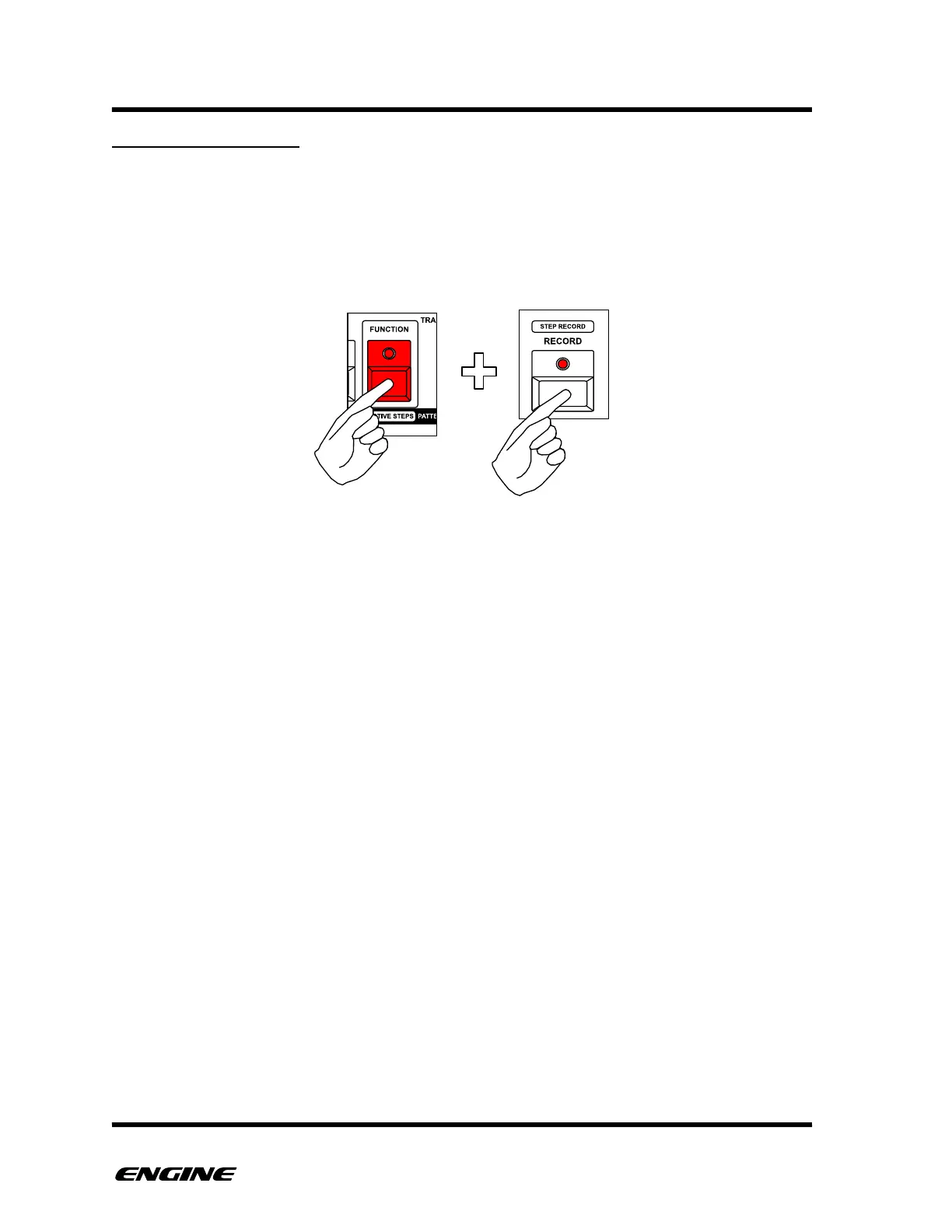
To enter realtime SONG STEP RECORD mode, while in SONG mode, press and hold
FUNCTION and then click the RECORD button.



 To Next Page