SETTING PATTERN SHUFFLE
Each pattern can have separate shuffle timing during playback. The amount of shuffle
available depends on the selected time scale.
Patterns with different time scales have the following shuffle levels available (including no
shuffle):
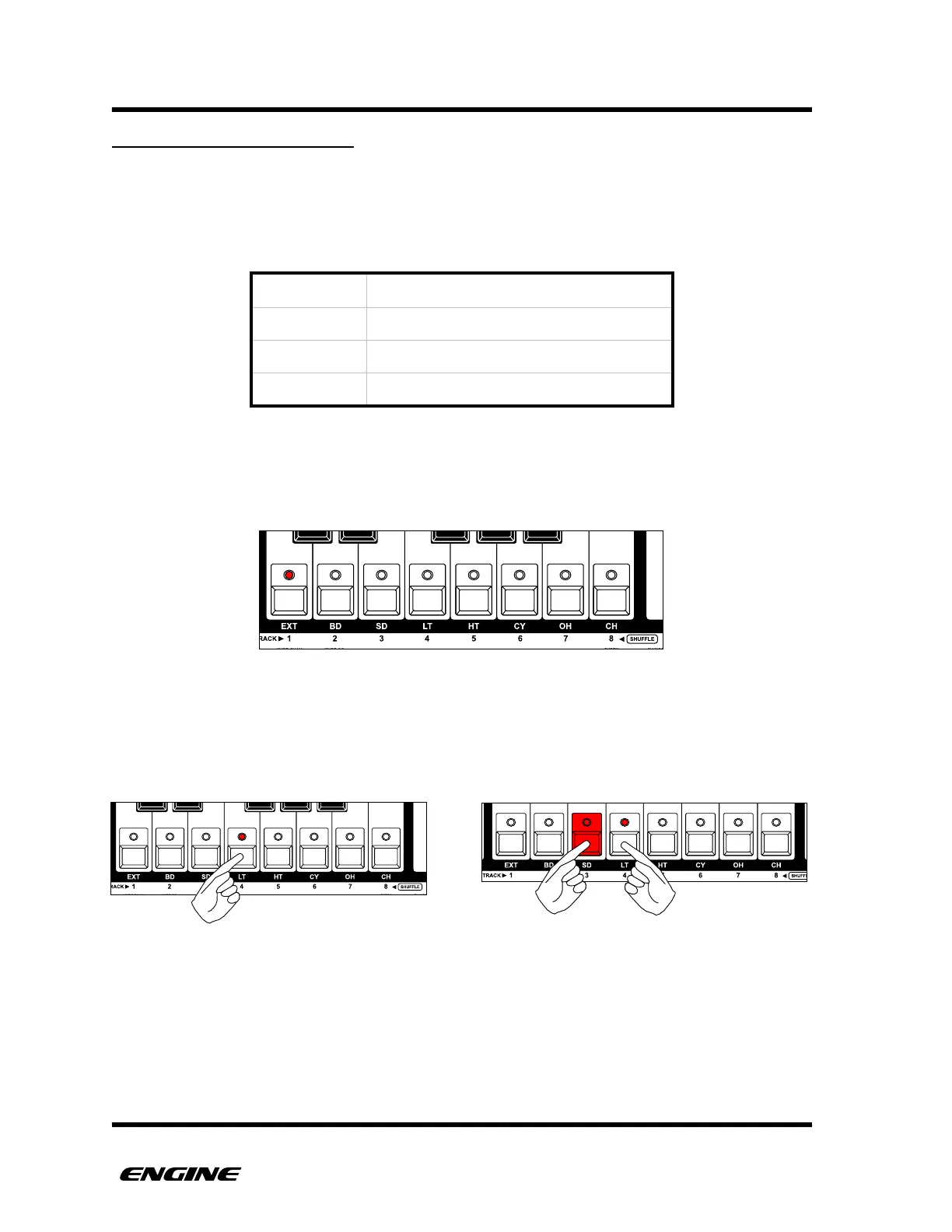
The current shuffle level is displayed on the LEDs of the mini keyboard, with level one
meaning "no shuffle”.
To change the shuffle level, while in TIME mode, use the white mini keyboard buttons.
You can click a single button or two adjacent buttons to select the various shuffle levels.
If the shuffle level is not available for the current time scale, the level cannot be selected.
Changes to the shuffle level while the sequencer is running will not take effect until the
pattern loops.



 To Next Page