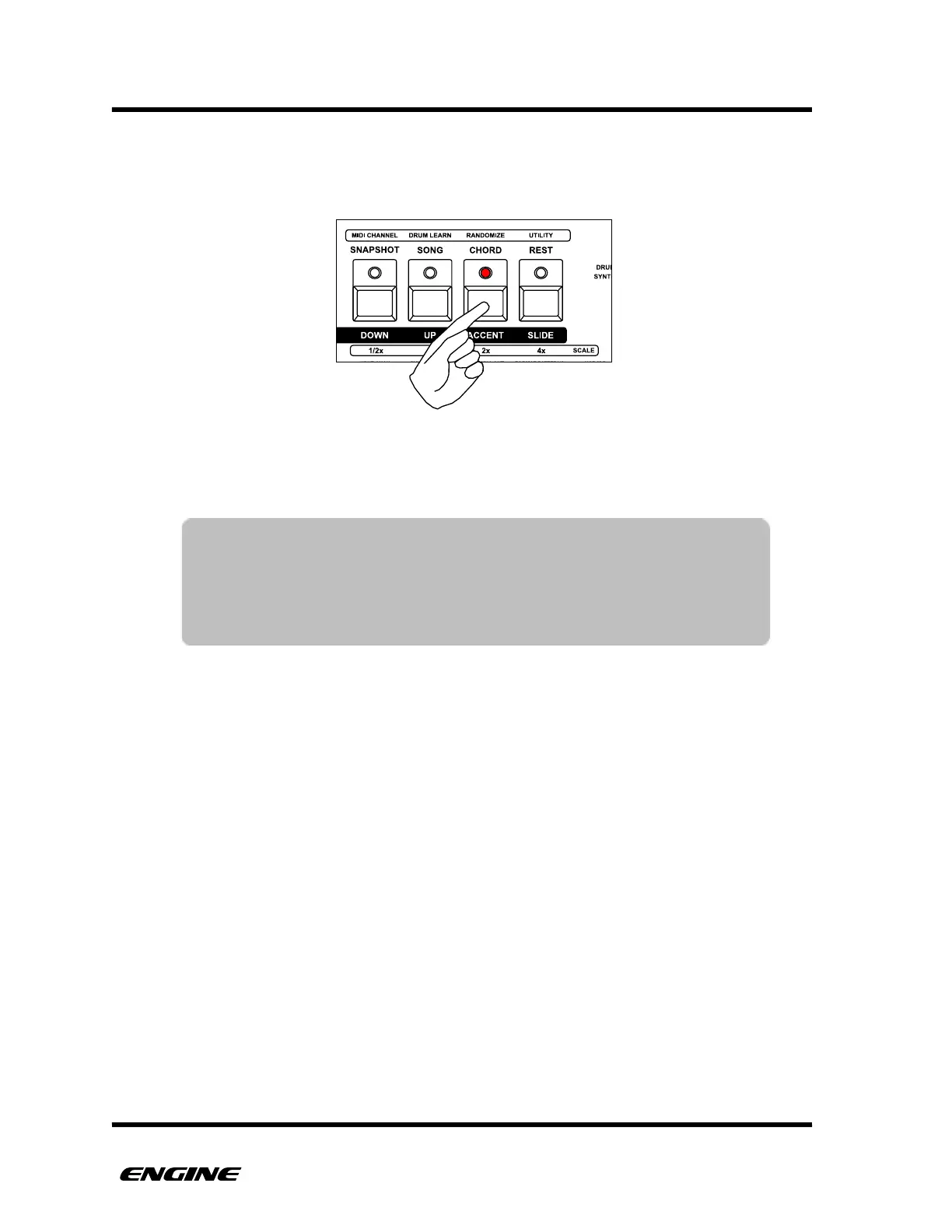
To change the timing scale of a pattern, while in TIME mode, click one of the four
attribute buttons. To change to the triplet version of a scale, double-click one of the four
attribute buttons.
Changes to the time scale while the sequencer is running will not take effect until the
pattern loops, this keeps the pattern in sync during live performance.
TIP: As a convenience, when switching scales between 4/4 and triplet,
the last step is automatically changed to keep the pattern in sync.
For example, switching from 1x time scale to 1x (triplet) on a 16
step pattern will automatically change the last step to step 12. The
last step can be freely changed to any other step as needed.



 To Next Page