SONGS
Songs are used to automate the playback of snapshots, this allows a performance to be
captured and replayed. SONG PLAY mode only allows songs to be played back, no
edits can be made in song play mode. To edit or record a song, you can use either song
step record or realtime record modes.
PLAYING SONGS
Playback of songs is mostly a “read-only” activity, meaning that you cannot edit song
steps or patterns while in song playback. This is useful for live performance when you do
not wish to make any accidental changes to an arrangement. With this in mind, song
mode can be useful even with a single pattern.
ENTERING SONG PLAY MODE
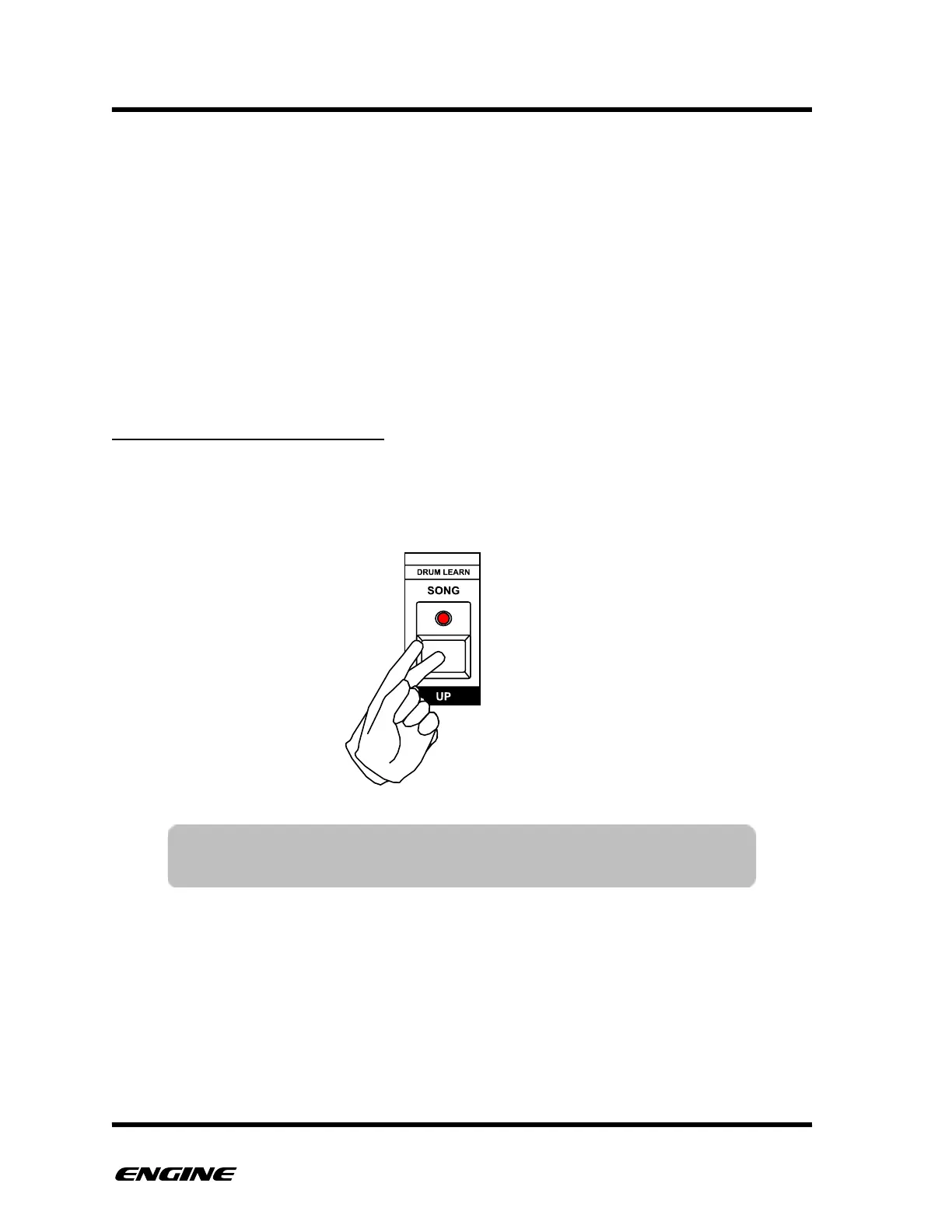
To enter SONG PLAY mode double-click the SONG button, when SONG mode is active,
the LED above the SONG button will blink. To exit SONG mode, double-click the SONG
button again.
You can leave song mode while the sequencer is playing and the current song step will be
remembered. This allows you to break out of a song during live performance to create
spontaneous changes and then resume the song where it left off.
When stopping the sequencer, the song will automatically reset to song step 1 unless you
specifically choose a starting step while the sequencer is stopped.!



 To Next Page