SELECTING THE SCALE PRESET
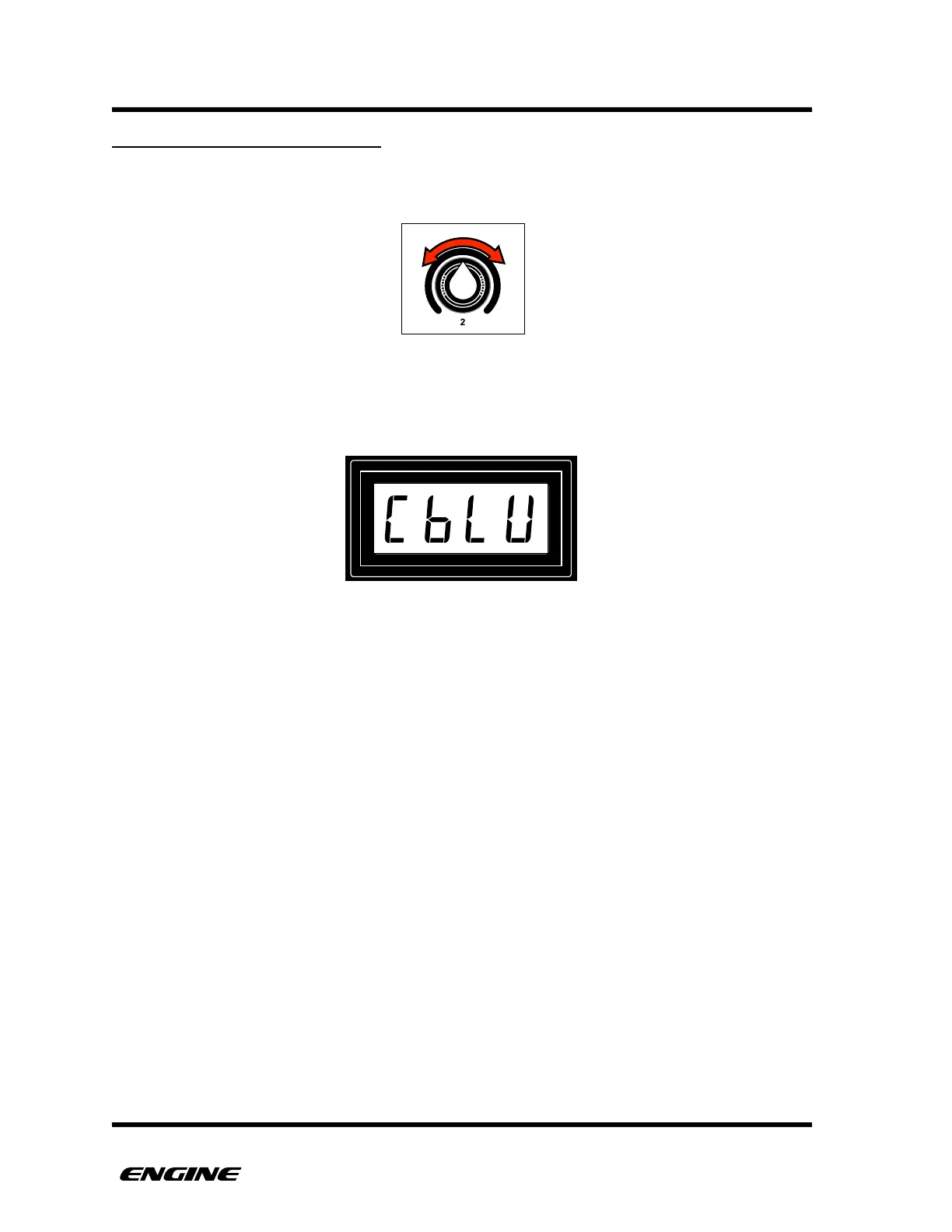
To select the scale preset for a track, while in UTILITY MODE, rotate control knob 2 to
select the desired preset.
The LEDs of the mini keyboard will light to show the pitches of the selected scale,
according to the selected root note. The LED display will show the selected scale preset
along with the current root note.



 To Next Page