STEP ROTATE
Rotating a step backwards or forwards will move the selected step location within the
programmed pattern. This is useful when only one note is recorded into the wrong step
location.
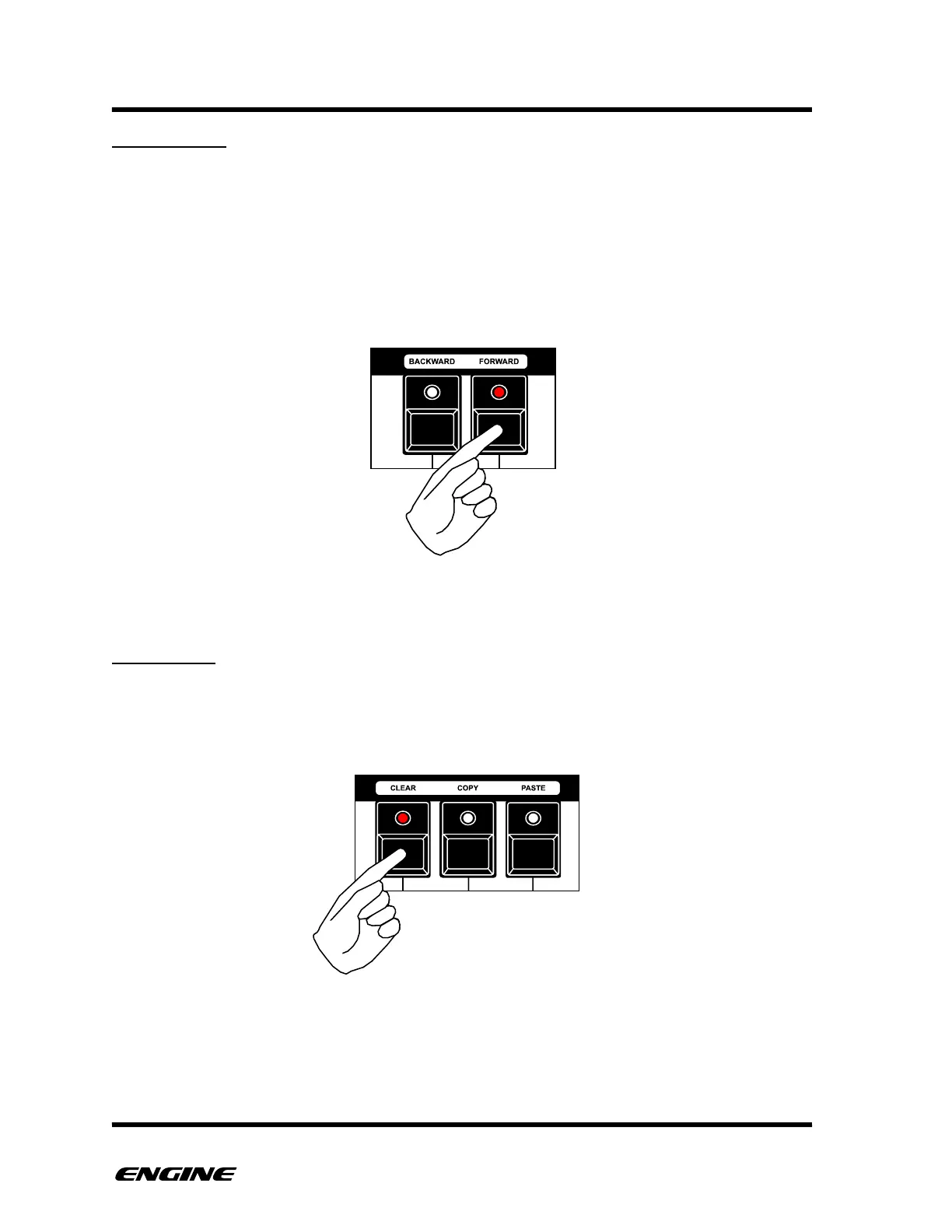
To rotate a step, while holding the pattern step button and FUNCTION, click the black
mini-keyboard button labelled BACKWARD (C#) or the black mini-keyboard button
labelled FORWARD (D#).
You can move a step forwards or backwards multiple steps, any previous notes on the
effected steps will be overwritten.
STEP CLEAR
You can clear a selected step by clicking the black mini-keyboard button labelled CLEAR
(F#). This will remove the step event. This serves the same purpose as clicking a pattern
step button to turn it off.



 To Next Page