TEMPO LOCK
The tempo lock function can be used to prevent the internal tempo from being changed
when moving the tempo knob. This is useful in live situations where accidental changes of
the tempo are unacceptable.
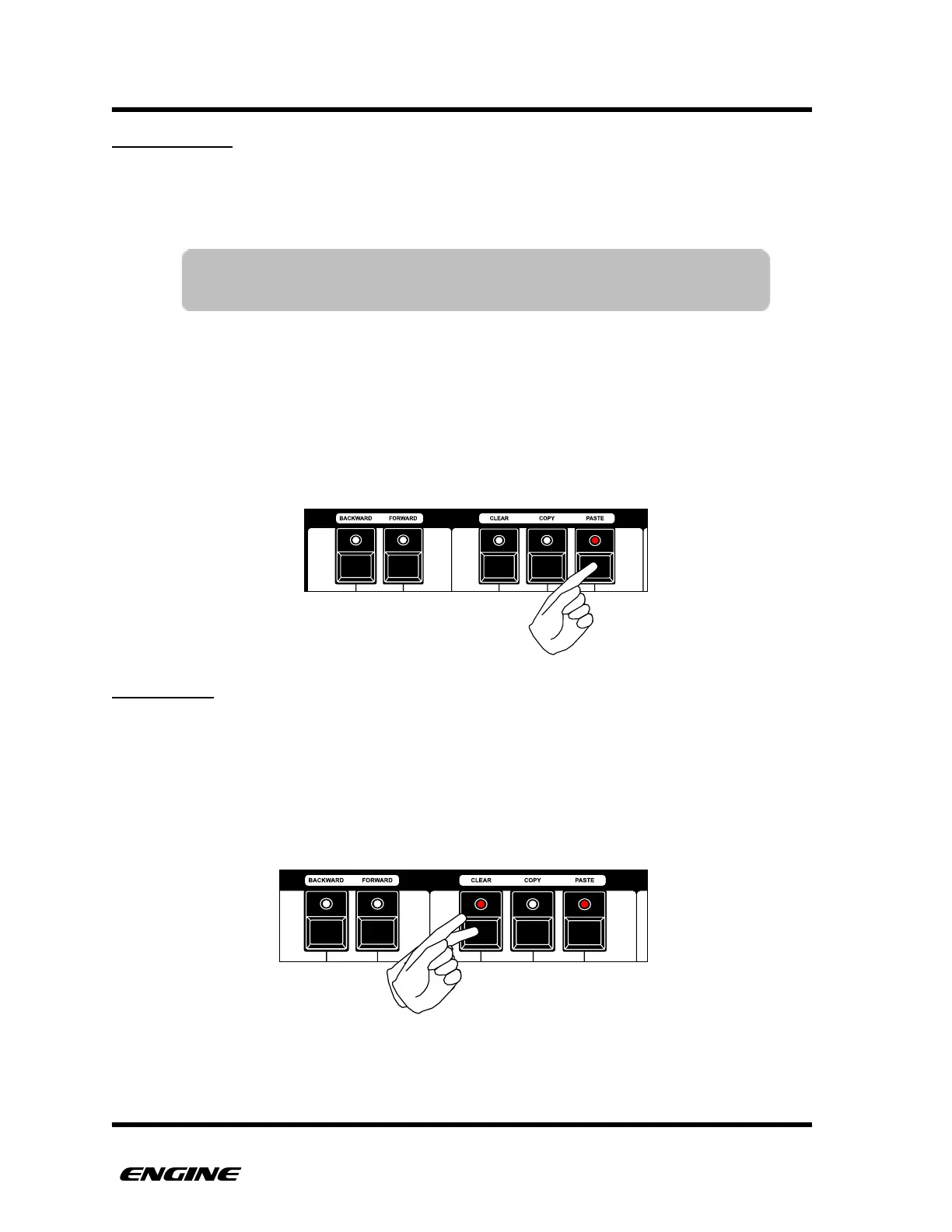
To engage the tempo lock, while in TIME MODE, click the black “A sharp” button on the
mini keyboard. The LED will light to show that tempo lock is active. To disengage, click
the A sharp button again.
When disengaging tempo lock, the tempo knob will only begin changing tempo after it
passes through the current tempo value.
TAP TEMPO
It is possible to manually enter a tempo using the tap tempo function. This is useful when
setting a tempo in relation to another sound source.
To set the tempo using tap tempo, first engage the tempo lock. While tempo lock is
engaged, the black “F sharp” button on the mini keyboard can be tapped in time to
establish the current tempo. The new tempo will be displayed on the LED display.
TIP: Tempo Lock also controls whether the stored tempo in a snapshot
is restored when the snapshot is recalled.



 To Next Page