SYNTH1: ADDING SLIDE
A step can have a programmed SLIDE attribute. Slide causes the note length to be
extended so that it is played legato, meaning that the next note will be started before
ending the previous note, so that they overlap. On many synthesizers, this will trigger a
slide or portamento between notes.
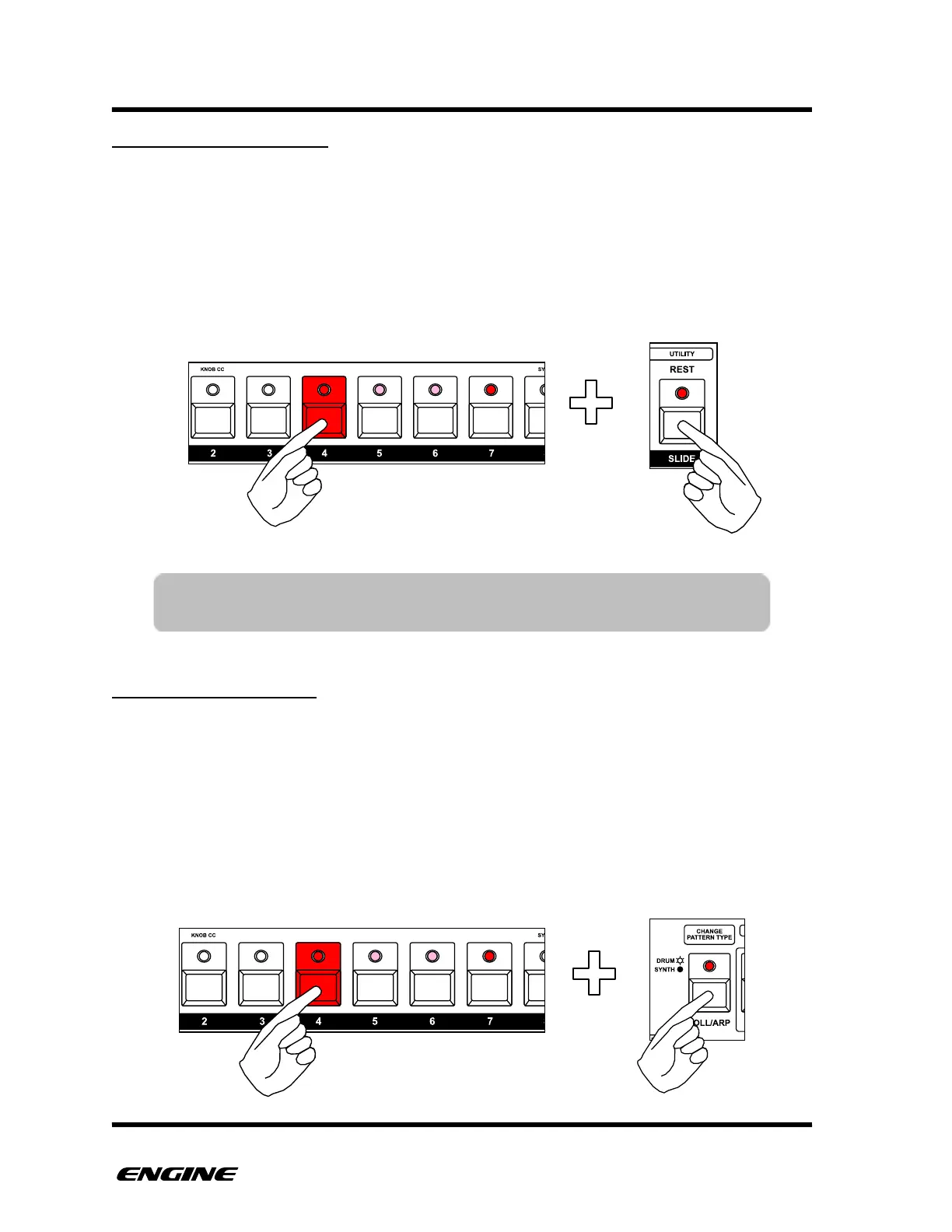
To set slide on a note using the SLIDE button, press and hold the pattern step button.
Then click the SLIDE button to turn slide on or off. (cv hardware slide)
SETTING NOTE REPEAT
Each step can be enabled for the note repeat MIDI EFFECT. This will cause the note to be
retriggered according to the note repeat setting for the track. If the track MIDI EFFECT
has a note repeat setting of zero, you will not hear any note repeats. For details on using
the note repeat MIDI EFFECT, please see the MIDI EFFECTS section under FUNCTION
MODE.
To set note repeat for a step, press and hold the pattern step button. Then click the ROLL/
ARP button to turn note repeat on or off. The current note repeat setting is indicated by
the ROLL/ARP LED.
TIP: SLIDE can also be set using the note length knob, by rotating control
knob 2 clockwise and setting the note length to maximum.



 To Next Page