SYNTH1: SETTING STEP DELAY
Each step of a SYNTH1 type pattern can have a delay added to the start of the step. This
can create a more humanized feel in programmed patterns. The amount of delay
available will vary based on the current TIME SCALE for the pattern.
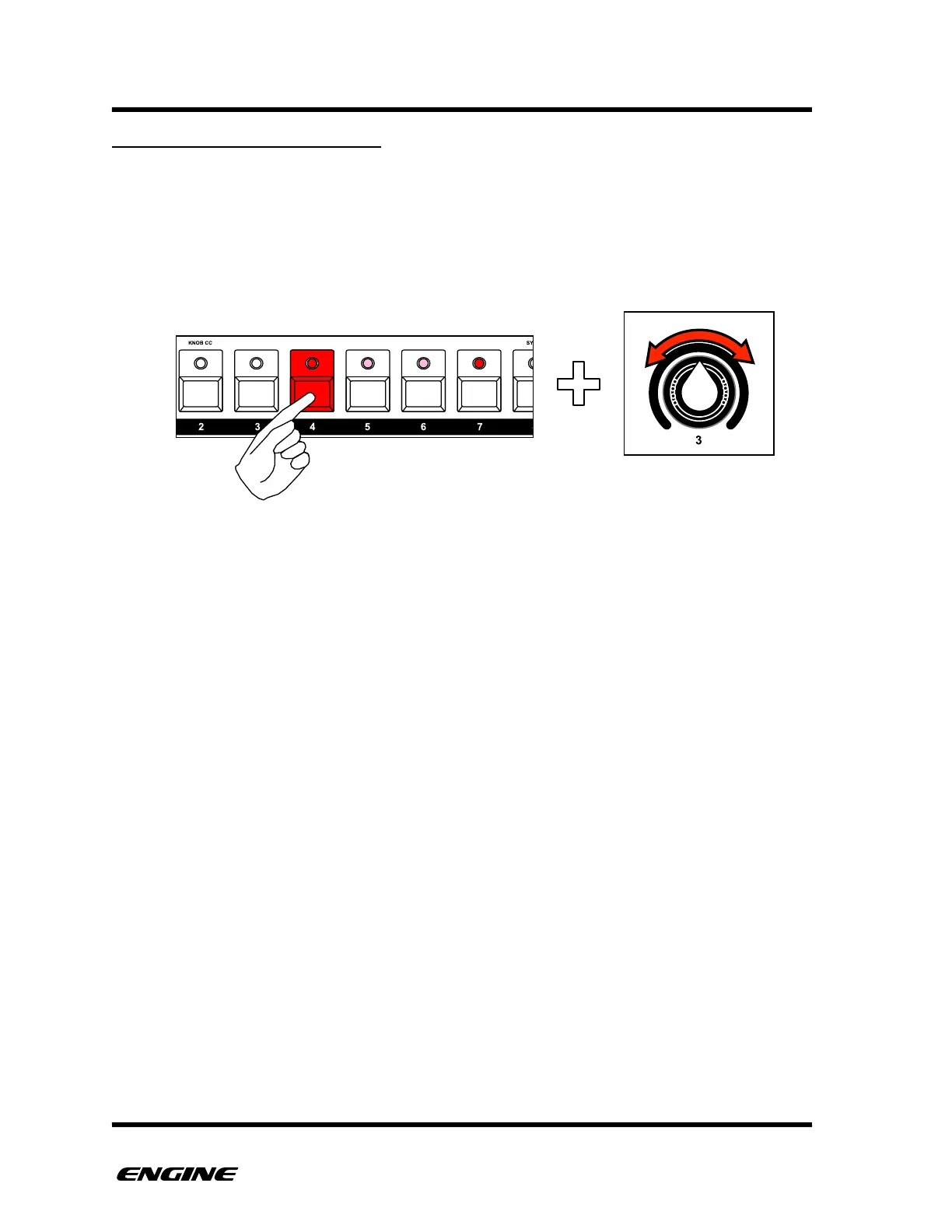
To set the delay for a step, press and hold the pattern step button. Then use control knob
3 to set a delay for the step. The current delay will be shown on the LED display.



 To Next Page