TRANSPOSING SYNTH PATTERNS
An entire synth type pattern can be transposed in semitones or octaves. This can be used
to create musical progressions or to quickly experiment with different note ranges. Along
with pattern copy/paste, pattern transpose can be used to create layers and variations
across tracks.
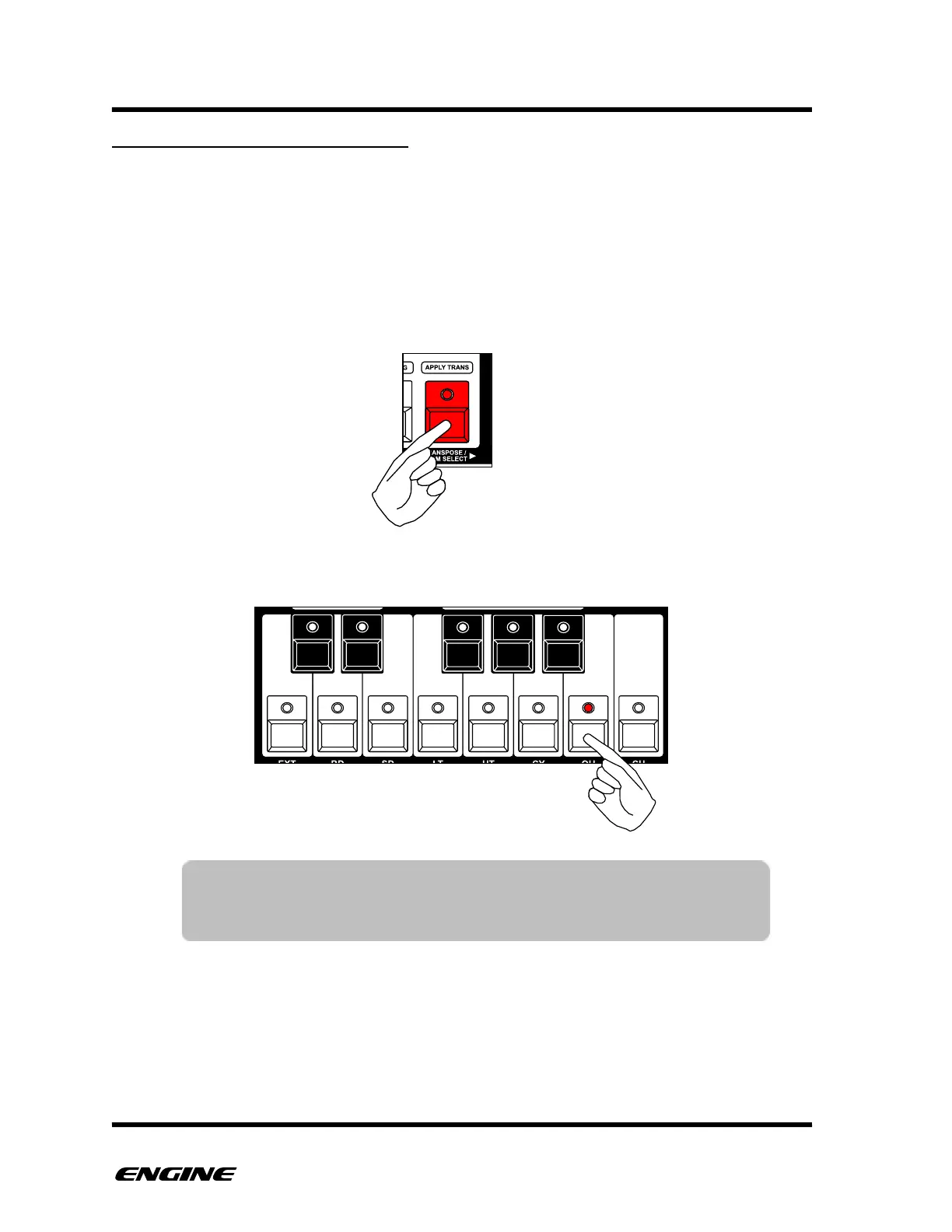
To enter TRANSPOSE mode, press and hold (or double-click) the TRANSPOSE button.
The current transposition value will be shown on the mini keyboard LEDs and the octave
DOWN and UP LEDs.
To change the pattern transposition in semitones, click one of the mini keyboard buttons.
TIP: While holding the TRANSPOSE button, the mini-keyboard LEDs
flicker briefly each time a note is played. This gives a good visual
indicator of what notes are playing. Muted tracks will not flicker.



 To Next Page