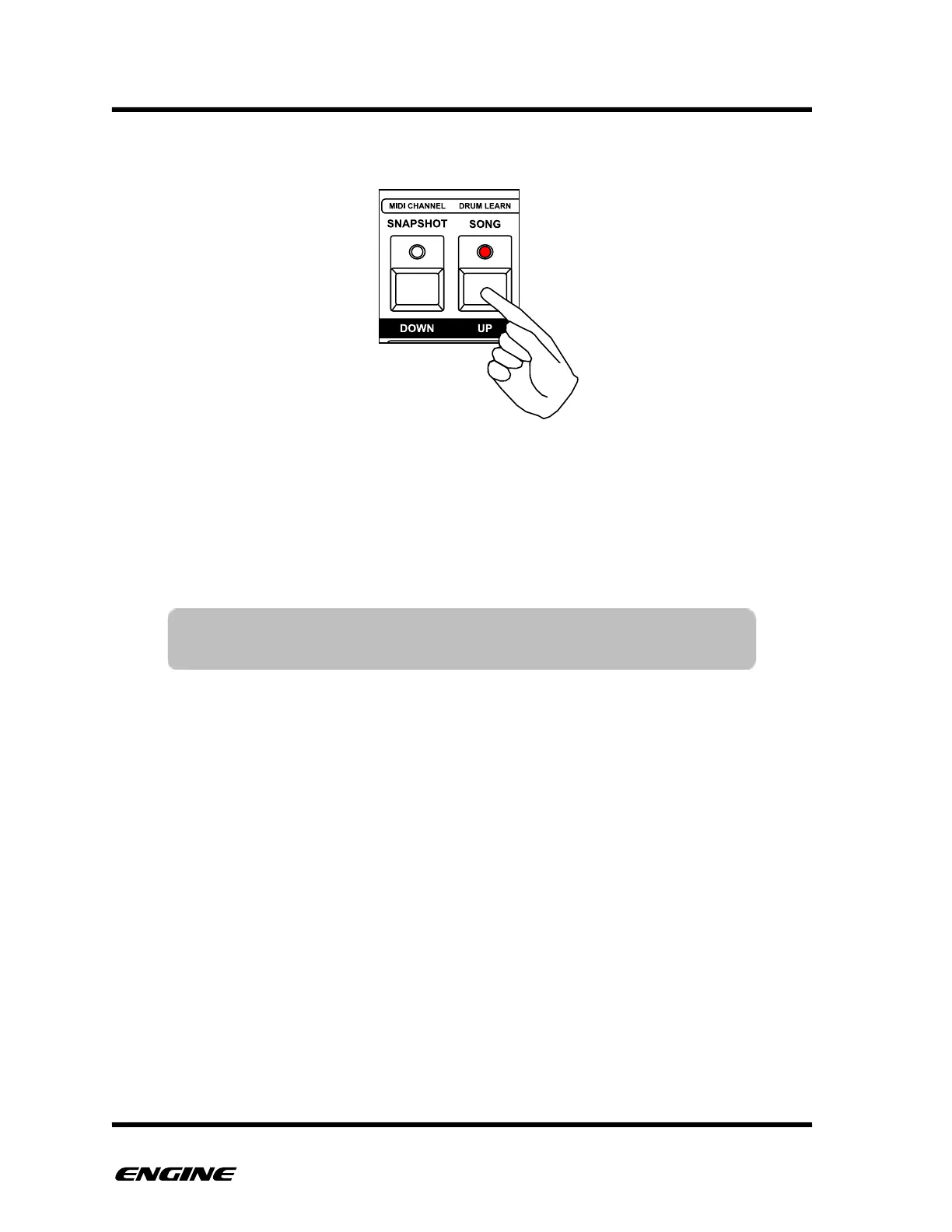
To change the pattern transposition in octaves, click either the DOWN or UP buttons.
The LEDs of the octave buttons will light differently according to the selected octave. For
example, one octave down will light the DOWN LED dimly, two octaves down will light
the DOWN LED brightly, three octaves down will blink the DOWN LED dimly, four
octaves down will blink the DOWN LED brightly.
Pattern transposition takes effect immediately even if the sequencer is playing.
TIP: You can use MIDI to transpose multiple patterns at the same time
by turning on MIDI transpose listen in TRACK UTILITY mode.



 To Next Page