CONTROL TYPE PATTERNS
Control type patterns are useful for recording specific controller values or automating
playback of controller modulation. A control pattern can record up to six control values
per step, which map to the six control knobs. The LFO mode of the control pattern can be
used to create periodic modulation of any of the six control values.
SELECTING CONTROLLERS
There are 6 available controls in a control pattern.
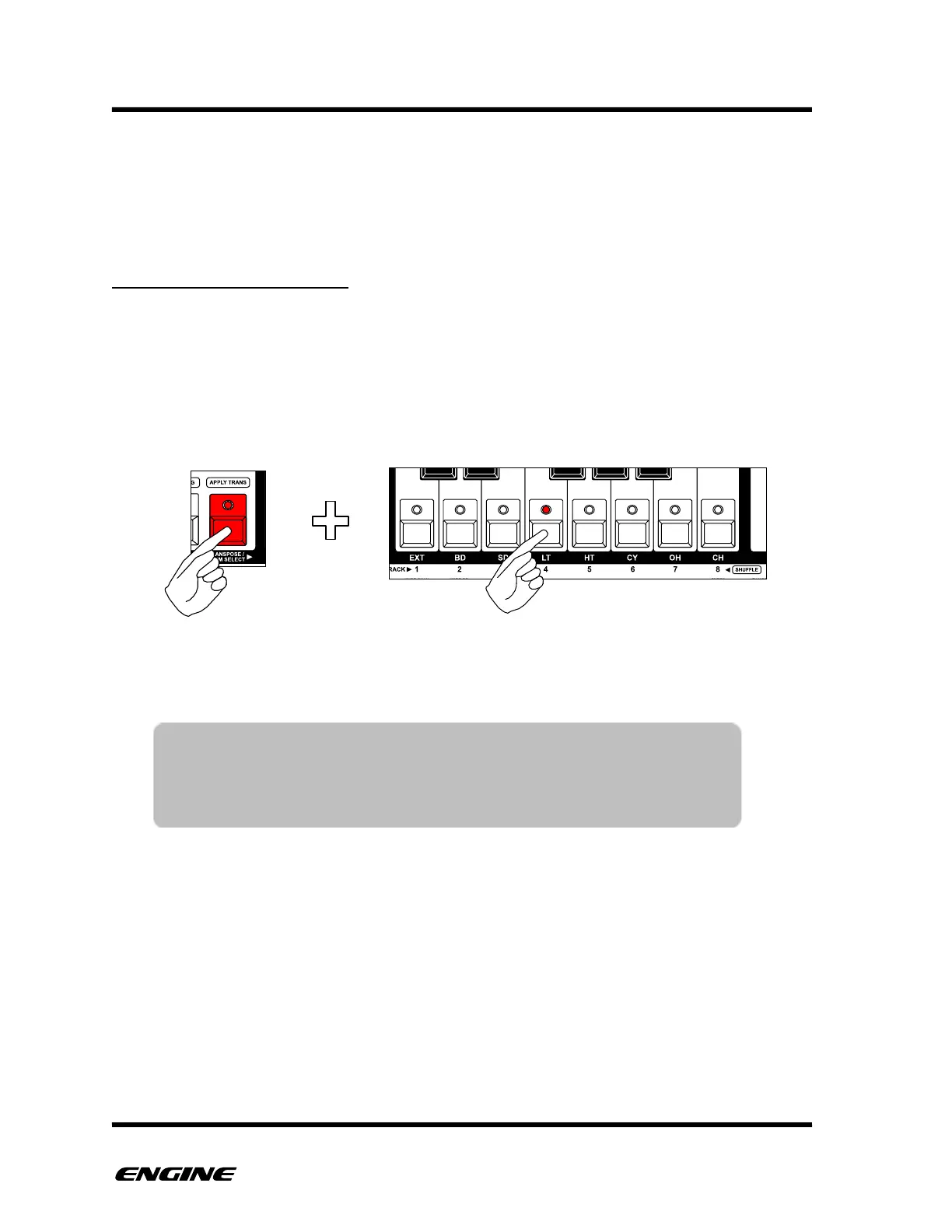
While editing a control pattern, select which control is currently displayed on the pattern
step LEDs by holding the TRANSPOSE/DRUM SELECT button to the left of the mini
keyboard and then selecting the control using the first six white buttons of the mini
keyboard labeled 1 thru 6. This is similar to programming a DRUM type pattern.
The pattern step LEDs will light brightly for high control values (64 - 127) and dimly for
low control values (0 - 63), this gives some visual indication the control “shape” for the
pattern."
TIP: While holding the TRANSPOSE/DRUM SELECT button, the track
LEDs flicker briefly each time a control is played. This gives a
good visual indicator of which controllers are being used. Muted
controls will not flicker.



 To Next Page