RECORDING SONGS
Songs can be recorded or edited in realtime or using song step record mode. Realtime
recording is a great way to capture a live performance, while step recording allows you
to make precise edits.
You can also enter and exit song recording at any point during song playback if you wish
to edit a song on the fly.
REALTIME SONG RECORD
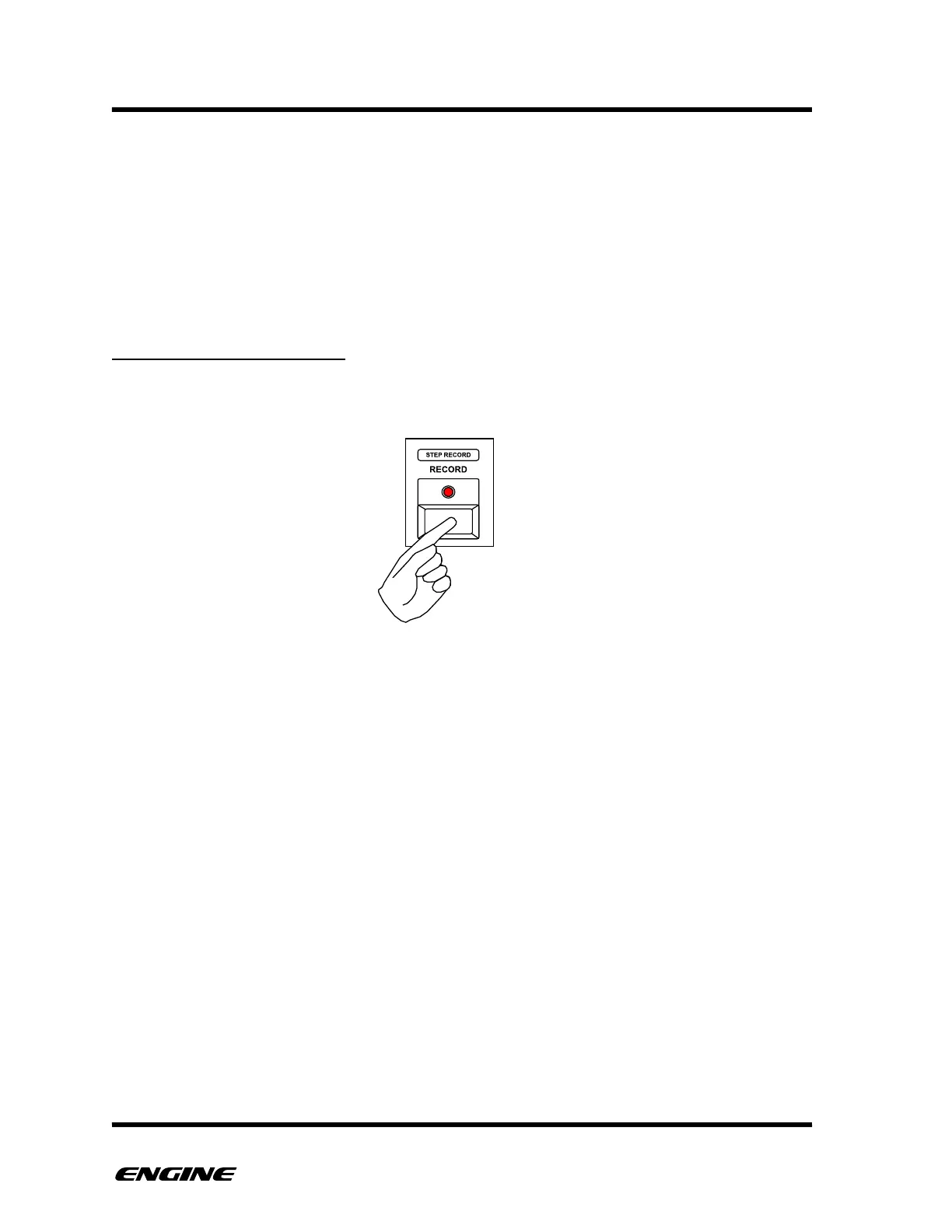
To enter realtime SONG RECORD mode, while in SONG mode, press the RECORD
button.
Song recording will begin from the currently selected song step, which is displayed on the
LED display. The sequencer must be running to realtime record a song, if it is not running,
you can click the RUN/STOP button to start the sequencer.
While in REALTIME SONG RECORD mode, you can select snapshots in realtime. Each
repetition of a snapshot is also recorded into the song step repeats.
When selecting a new snapshot, the snapshot recall is quantized to the loop point of the
current playing snapshot.
When the snapshot is recalled, the song step is automatically incremented. If a snapshot
is looped for more than eight repetitions, a new song step is created automatically with
the same snapshot assigned and repetitions continue to be recorded.
To exit REALTIME SONG RECORD, click either the REST (slide) button to set the last step
or click the RECORD button. The song will then loop and continue playback from the first
step.



 To Next Page