STEP RECORDING
Step recording is an alternate way to enter a monophonic sequence of notes and timing
by moving from one step to the next in sequence. This can be done while the sequencer is
running or stopped.
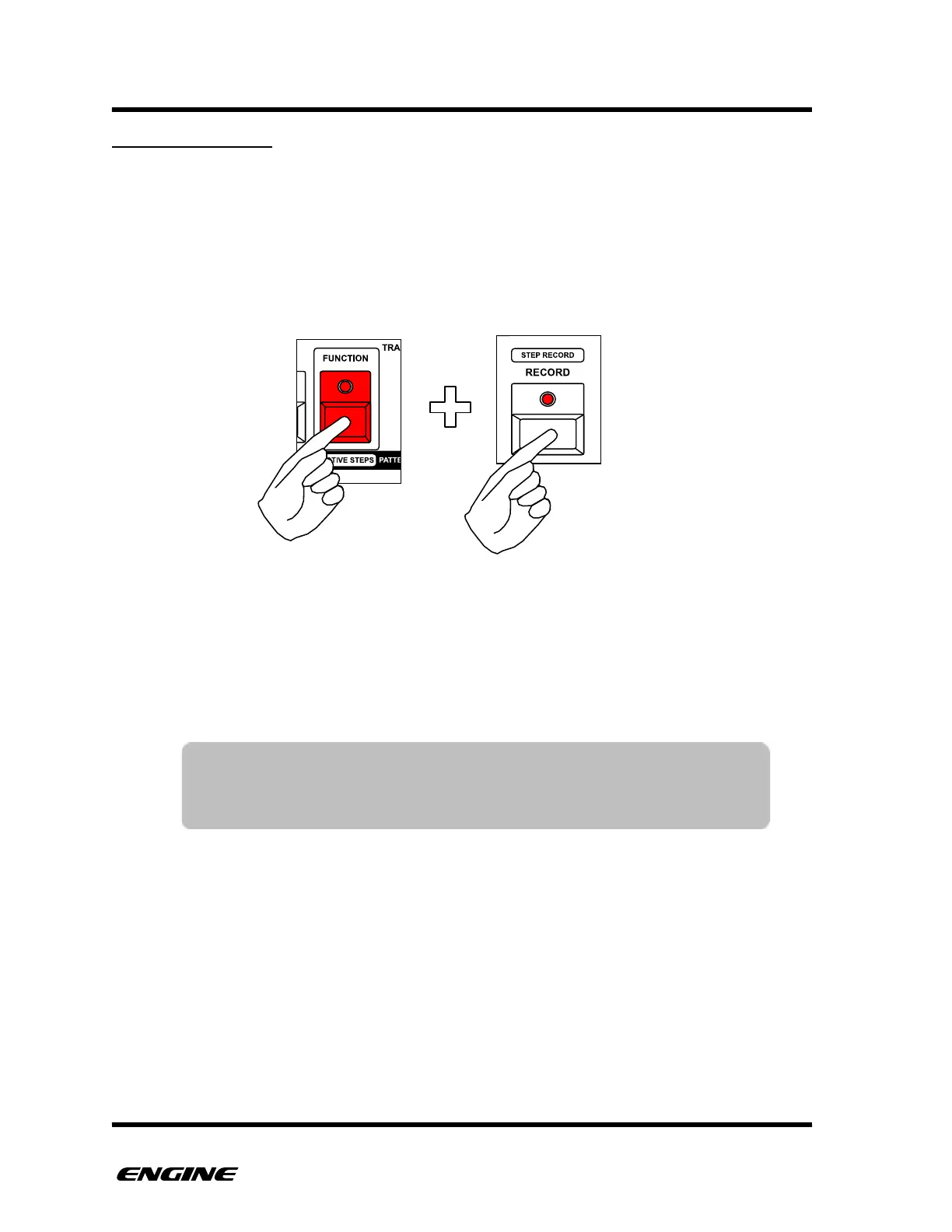
To enter STEP RECORD, press and hold (or double click) the FUNCTION button, then
click the RECORD button. Both the FUNCTION and RECORD LEDs will blink to indicate
you are in STEP RECORD mode.
The current step location is indicated on the pattern step buttons with a bright blinking
LED. You can immediately jump to a particular step by clicking a pattern step button, or
begin entering step events from the beginning of the sequence.
To enter steps, you can click pitches on the mini keyboard buttons, the step will
automatically advance to the next step.
For SYNTH1 type patterns, if you play the keyboard legato (hold down two notes
simultaneously) it will automatically create a slide and advance to the next step.
For SYNTH2 type patterns, step entry will be placed in the currently selected note lane.
To change note lanes, press and hold TRANSPOSE and click the SECTION button.
TIP: When the sequencer is not playing, the selected pitch will be
played as it is entered. This makes it easier to preview the
programmed notes.



 To Next Page