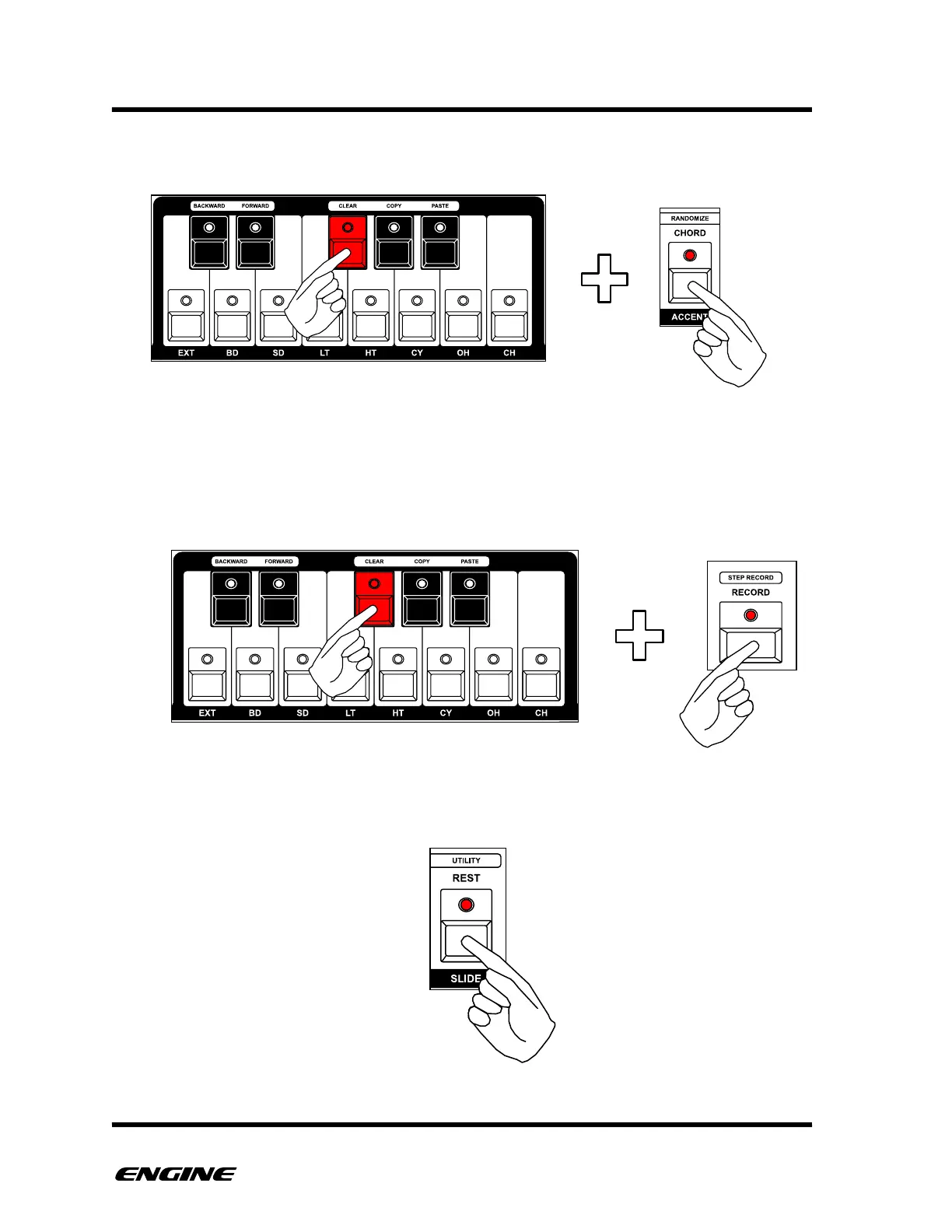
You can also add ACCENT to a step by clicking the ACCENT button while holding the
keyboard button.
"
"
"
To increase the length of the current step, keep holding the current mini keyboard button
and click the RECORD button, this will lengthen the step event by one step and advance
the current step.
To enter a REST event, click the REST button, any existing event will be erased from the
current step.



 To Next Page