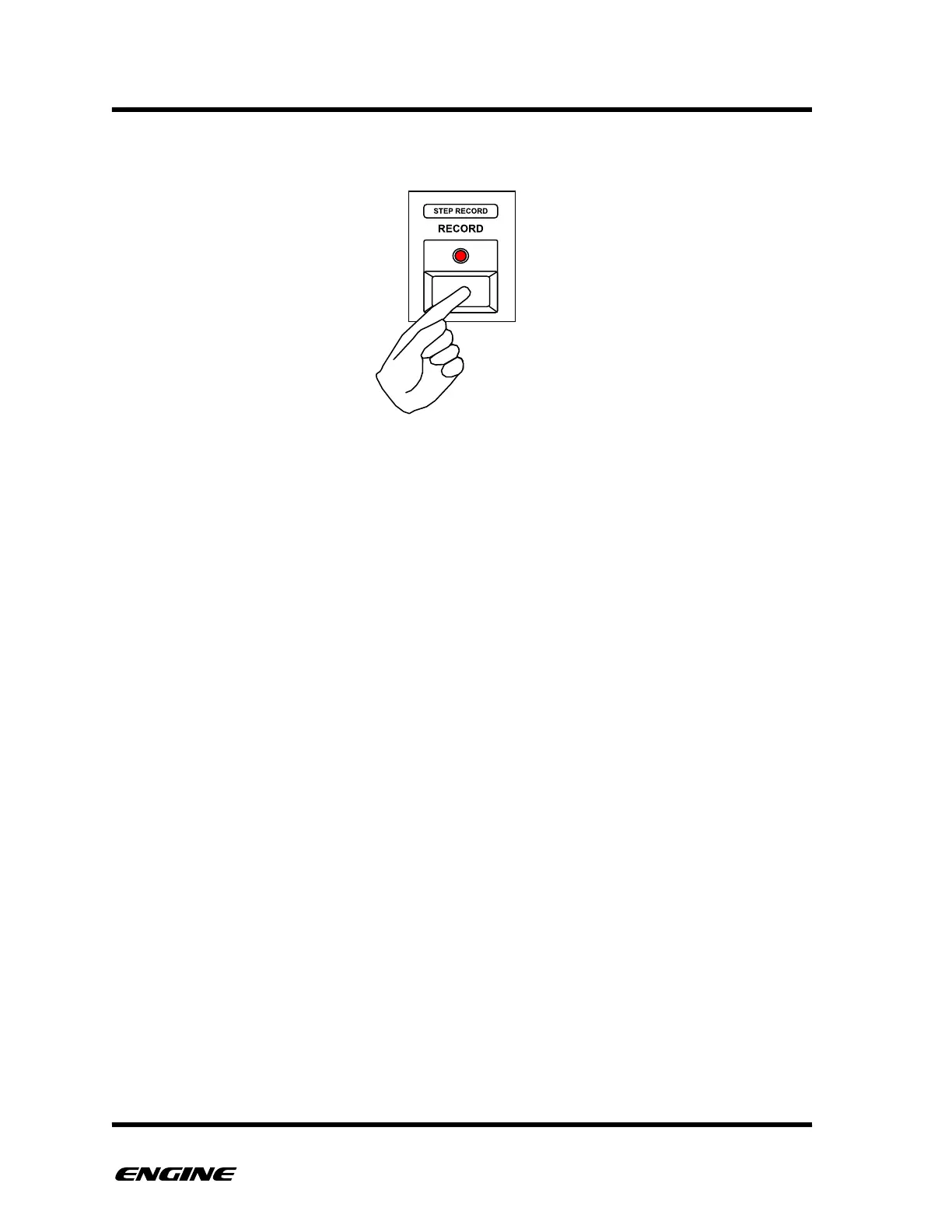
To advance one step without entering any new data, click the RECORD button.
To leave STEP RECORD mode, click the FUNCTION button.
You can also continue to use grid recording on individual steps while in STEP RECORD
mode. To do this, click and hold any pattern step button. The step attributes can be
displayed and edited, when releasing the step button you can return to step recording.!



 To Next Page