REALTIME ARPEGGIATOR
Synth type patterns include an arpeggiator than can be used for realtime performance or
recorded directly into the pattern sequence.
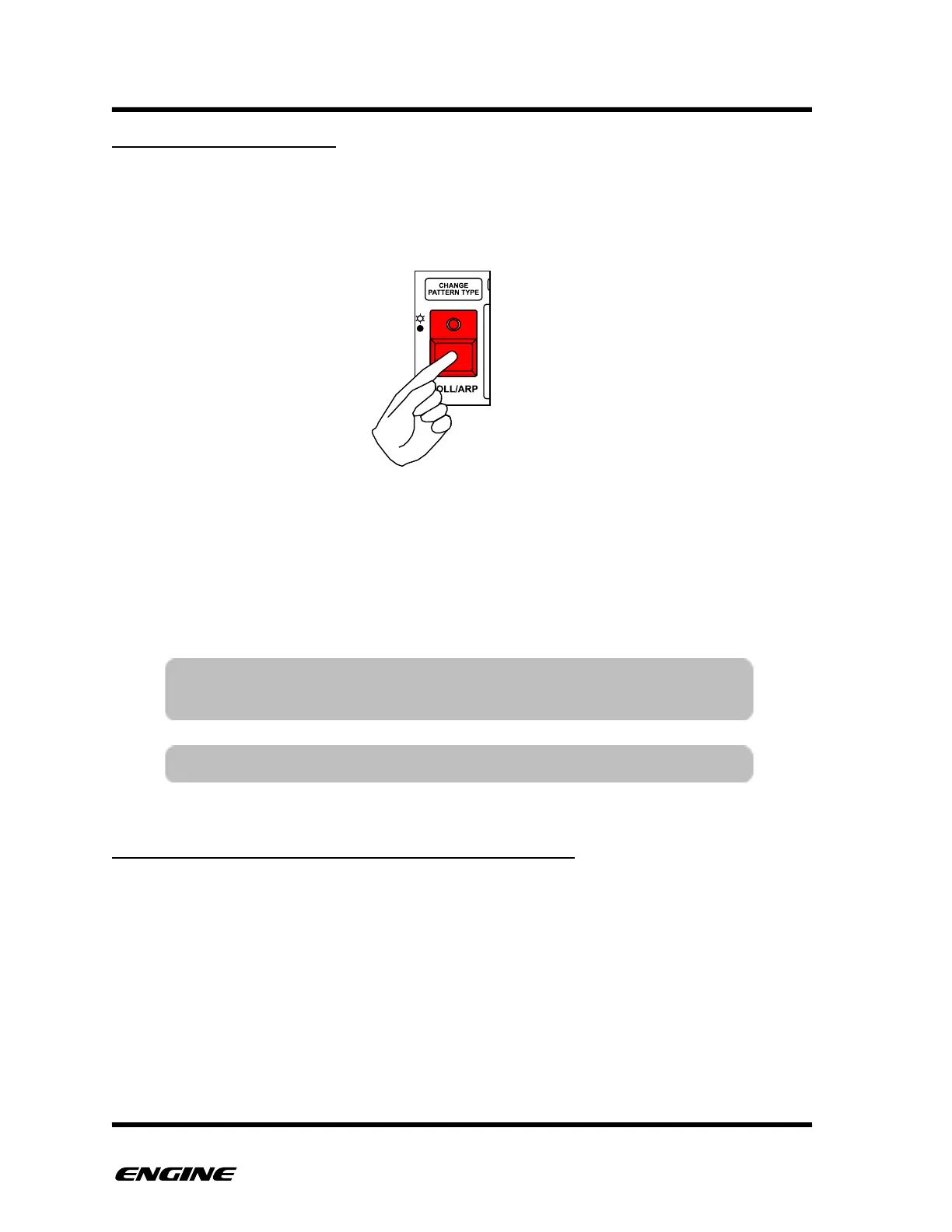
To enter ARPEGGIATOR mode, press and hold (or double-click) the ROLL/ARP button.
While in ARPEGGIATOR mode, the mini keyboard can be used to play arpeggios. Before
playing notes on the mini keyboard, the octave can be set using the octave DOWN and
UP buttons. The ACCENT button and SLIDE buttons can also be pressed to add variation
in realtime.
While playing an arpeggio, the sequenced pattern is overridden. When the arpeggio is
released, the sequenced pattern resumes.
SYNTH1 AND SYNTH2 ARPEGGIATOR DIFFERENCES
The arpeggiator has some different behavior when playing over a SYNTH1 or SYNTH2
type pattern.
On a SYNTH2 type pattern, the arpeggiator only applies to the currently selected note
lane. This allows the other note lanes to continue playing along with the arpeggiator
simultaneously. Using the arpeggiator record feature you can also record and layer
multiple arpeggios on top of each other.
On SYNTH1 type arpeggios, the SLIDE button introduces slides to the playing notes
(overlap). When using a SYNTH2 type pattern, the SLIDE button will hold the current
note until the SLIDE button is released, making the note play longer.!



 To Next Page