SOLOING TRACKS
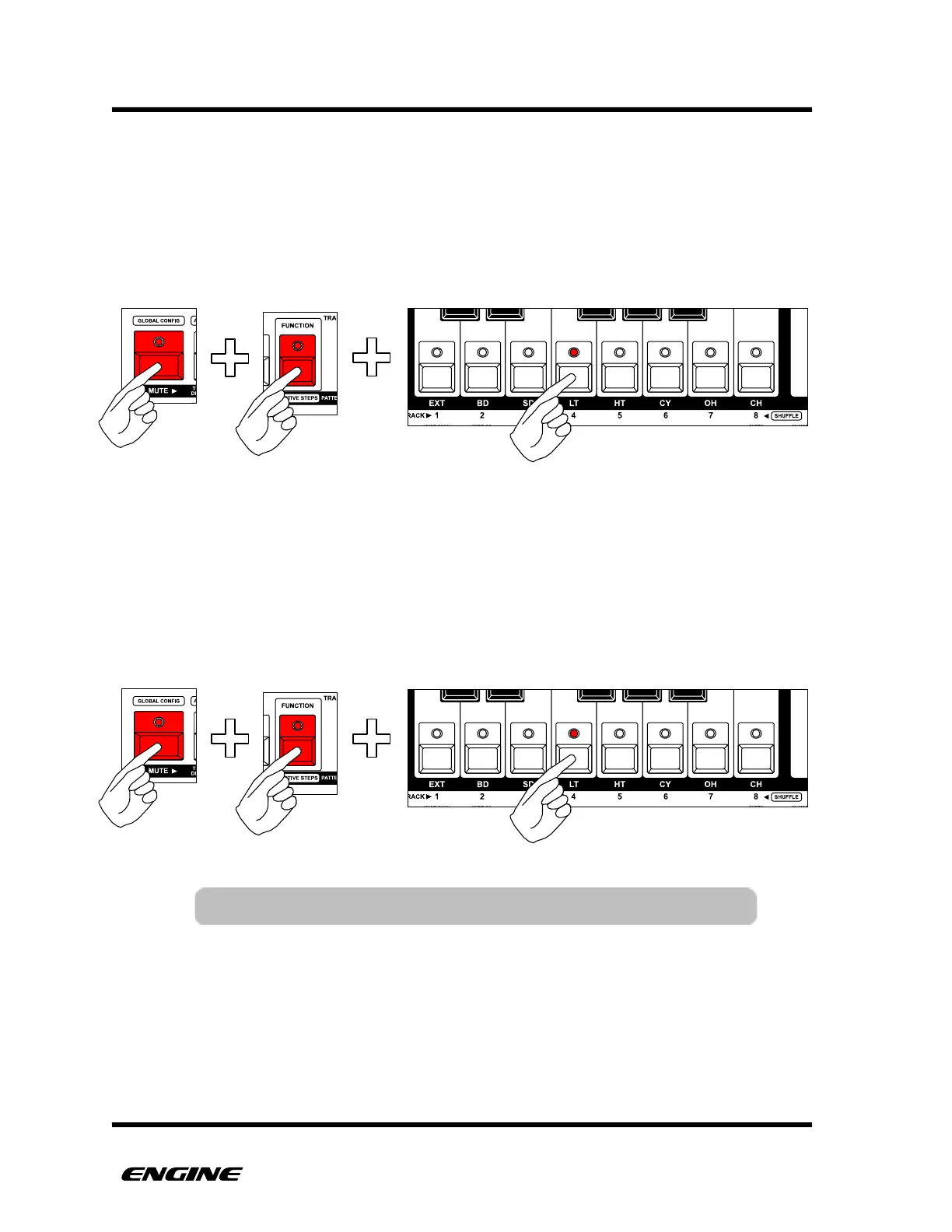
A track can be soloed, which will mute all other tracks. To solo a track, while in TRACK
SELECT (normal) mode, press and hold the MUTE button, then press and hold the
FUNCTION button, then click the track you wish to solo. The selected track will be
unmuted, all other tracks will be muted.
UNSOLOING TRACKS
A track that has been soloed can also be unsoloed, which will restore the track mute
settings that were in place when the track was soloed. To unsolo a track, while in TRACK
SELECT (normal) mode, press and hold the MUTE button, then press and hold the
FUNCTION button, then click the soloed track button. The track mute settings will be
restored.



 To Next Page