SETTING INPUT MIDI CHANNEL
The MIDI input channel used for realtime recording from a MIDI controller can be
changed to several different modes. This flexibility allows you to control how Engine
responds to incoming MIDI without changing settings on your external controller.
The three available settings are:
"
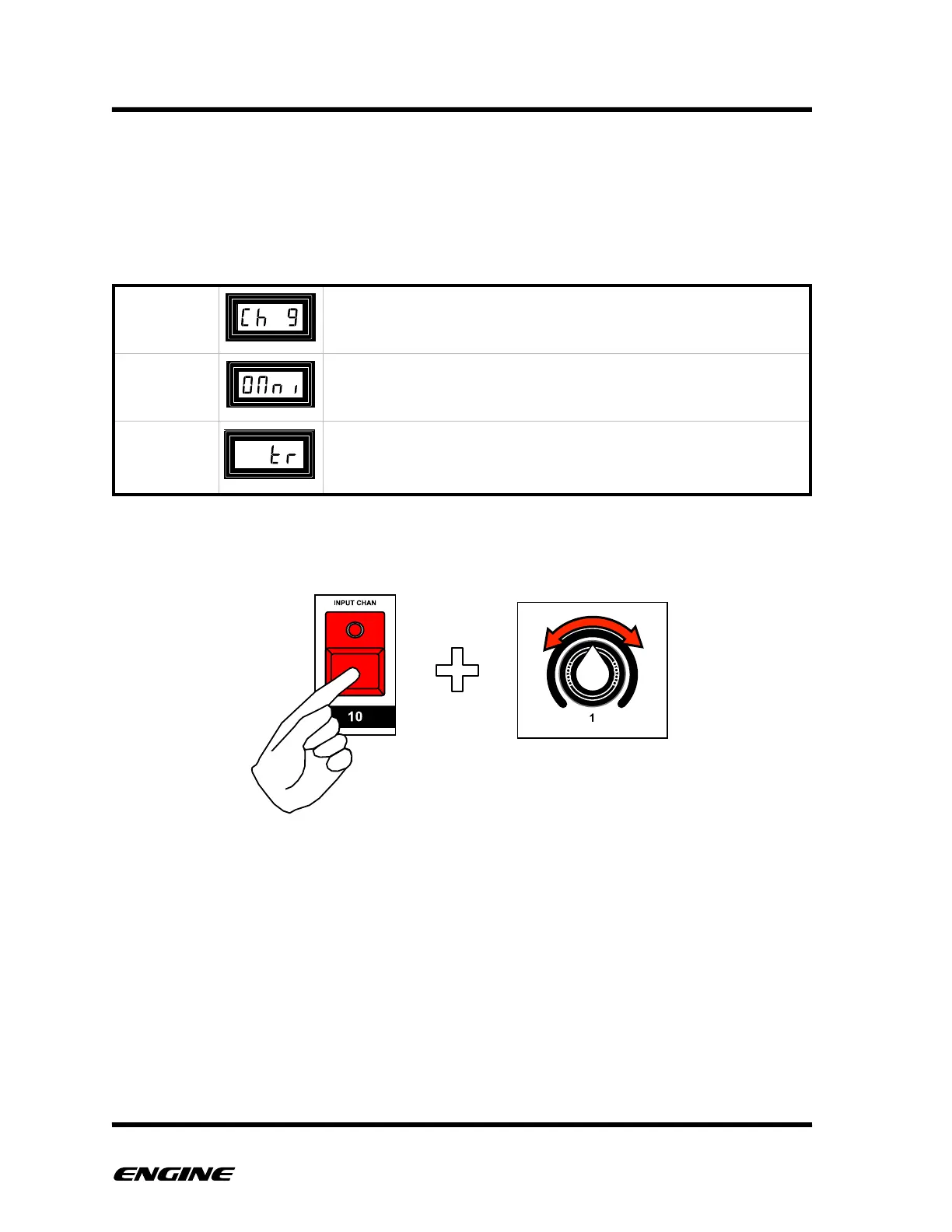
To change the MIDI input setting, while in CONFIG mode, press and hold the INPUT
CHAN (step 10) button. Rotate control knob 1 to change the MIDI input channel.
The current MIDI input setting will be shown on the LED display while holding the INPUT
CHAN button.
Dynamically changes the MIDI input channel according to the
MIDI channel for the current selected track. Useful when
connected to multiple controllers



 To Next Page