ASSIGNING SNAPSHOTS TO SONG STEPS
Each song step has an assigned snapshot. You can choose any of the 128 available
snapshot locations, including blank snapshots.
The current assigned snapshot is shown with a brightly lit LED on the step buttons, or if the
selected snapshot is not in the currently selected bank, the section LED for the bank with
the current snapshot is shown with a dimly lit LED.
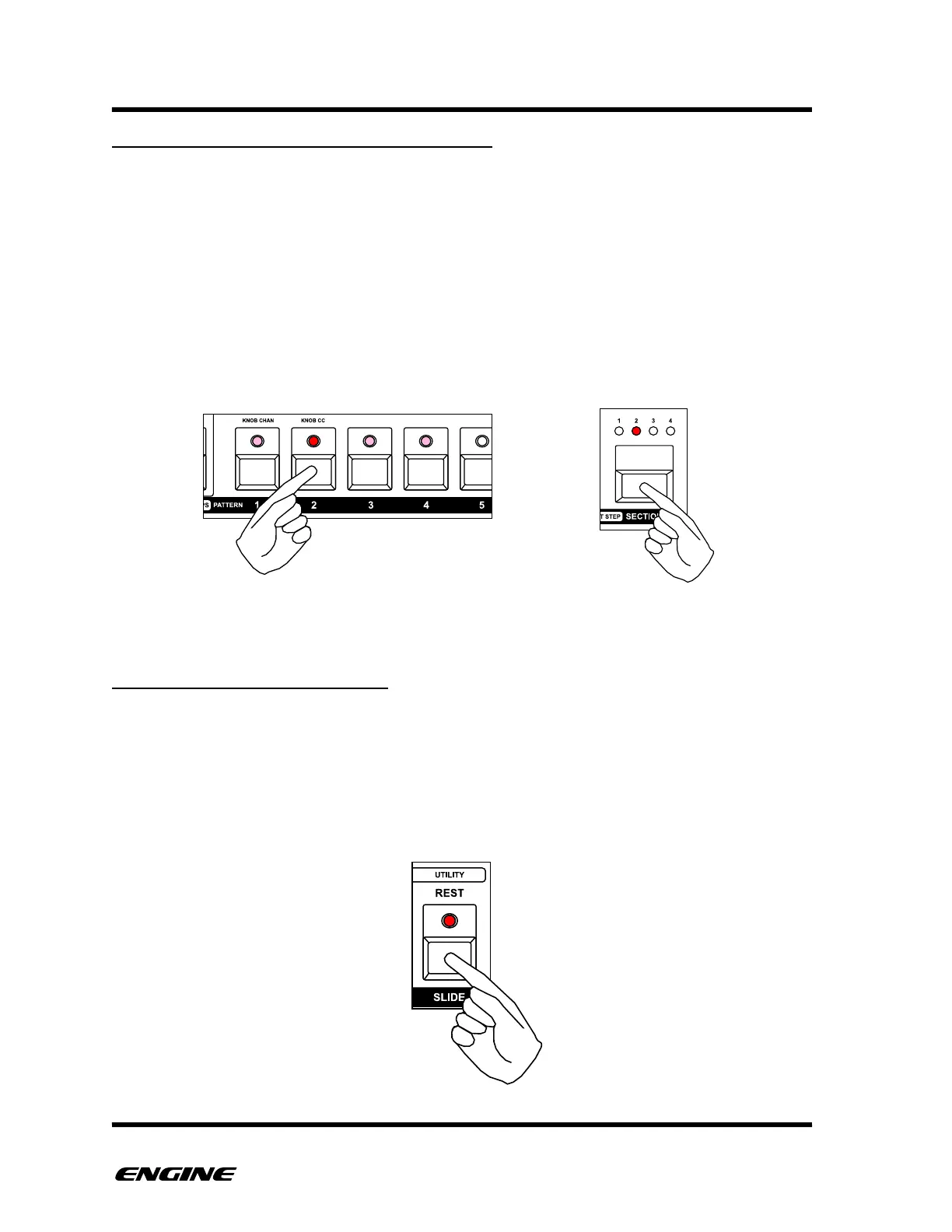
To assign a snapshot to a song step, while in SONG STEP RECORD mode, click one of the
16 pattern step buttons. You can also switch snapshot banks by clicking the SECTION
button.
SETTING THE LAST SONG STEP
Any song step can be designated as the last step in the song. When a song reaches the
last step it will loop to the beginning of the song or move to the next song in a song chain.
To set a song step as the last step, while in SONG STEP RECORD mode, click the REST
button. The REST LED will light to indicate the step is the last song step.!



 To Next Page