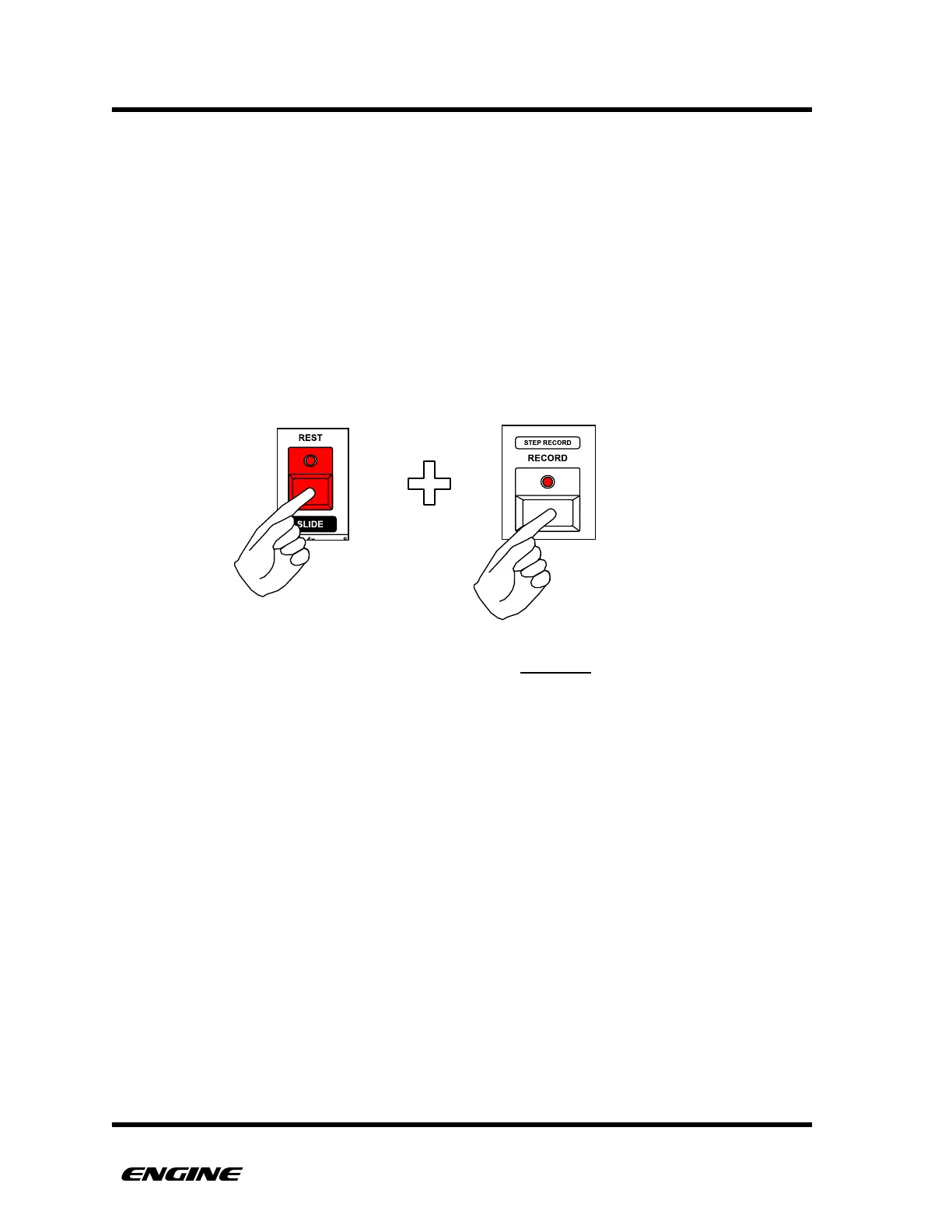
REPLACE RECORD MODE
Normal REALTIME RECORD mode acts as an OVERDUB record mode which does not
erase any existing events during recording. It is possible to use REPLACE RECORD mode
to erase events while recording, this is useful to clear a track manually, or introduce
momentary “gaps” in a pattern.
REPLACE RECORD is useful when recording a live performance, such as polyphonic
notes, so that any existing data is removed as new data is recorded.
To enter REPLACE RECORD mode, from NORMAL mode, hold the REST button and hold
or double-click RECORD. You can also enter REPLACE RECORD mode directly from REST
mode by holding or double-clicking RECORD.
REPLACE RECORD will automatically exit after one complete loop of the current pattern,
this is helpful so that you do not accidentally record over a recorded performance when
the pattern loops.



 To Next Page