DIMMING LEDS
The LED brightness for all LEDs can be adjusted as needed. This is particularly useful
when moving between bright outdoor and dark indoor environments. Additionally, the
difference between "bright" and "dim" can be adjusted separately. This allows you to
customize how bright the dim LEDs are according to your own preference.
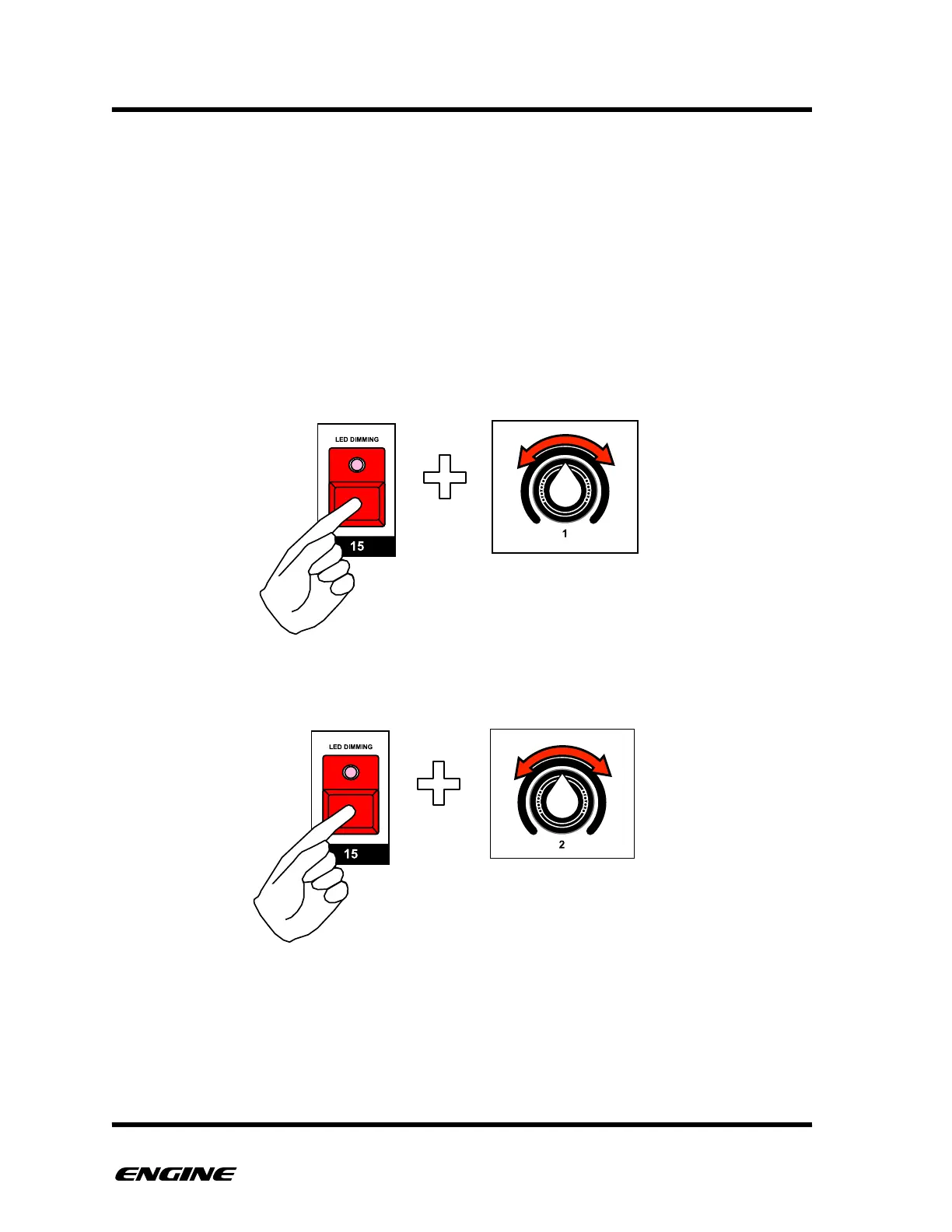
To adjust the LED brightness, in CONFIG mode, press and hold pattern step button 15.
All of the various LEDs will light to show the current brightness. Half of the pattern steps
will light at full brightness, while the other half light dimly.
To adjust the brightness of all LEDS, rotate control knob 1. The current LED brightness
level will be shown on the LED display.
To adjust the relative dim LED level separately, rotate control knob 2.



 To Next Page