ENABLING MIDI THRU
The MIDI input can be echoed to the MIDI outputs. The input data is merged with any
MIDI data generated by the sequencer.
If MIDI SYNC output from the sequencer is enabled, then incoming MIDI clock will not be
echoed.
The four available settings are:
"
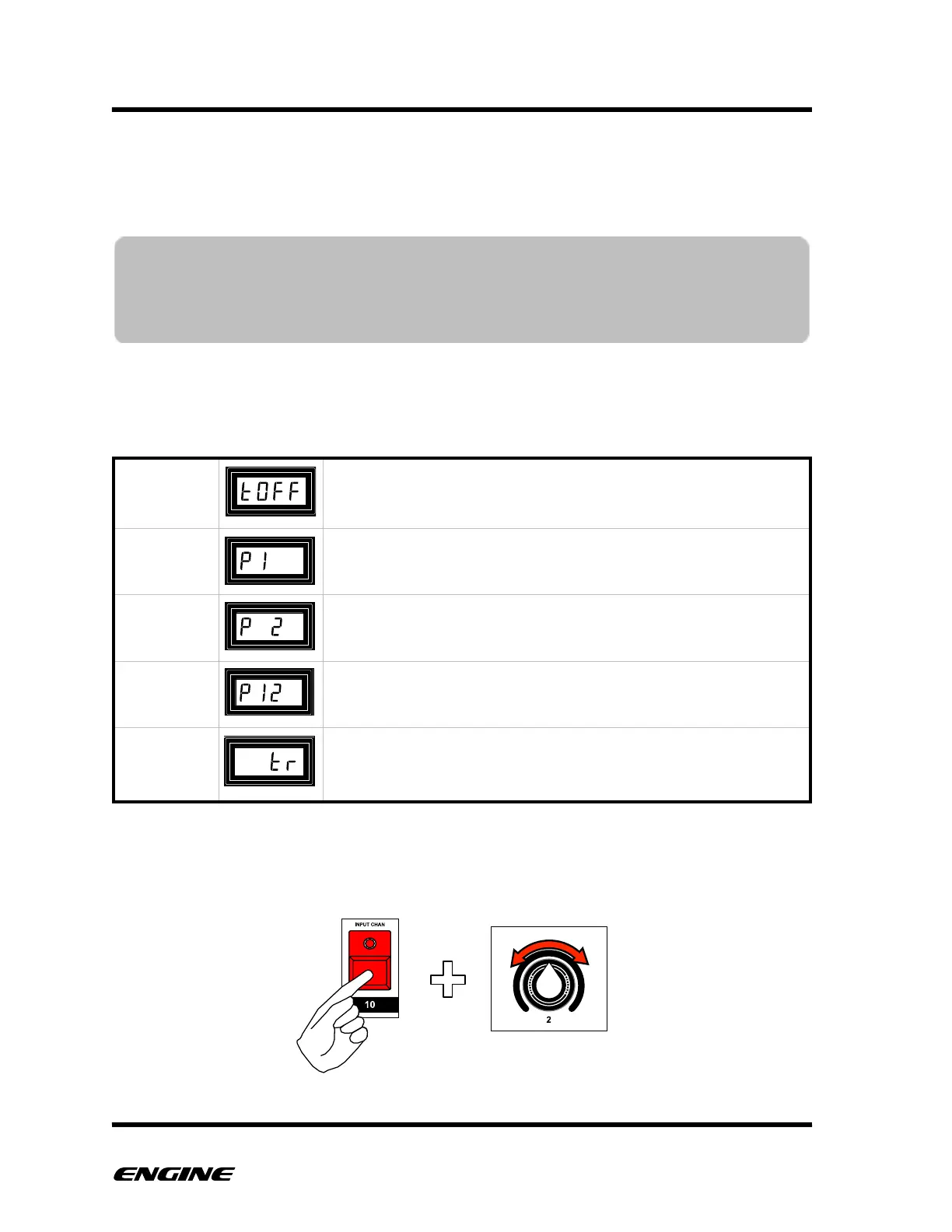
To change the MIDI thru setting, while in CONFIG mode, press and hold the INPUT
CHAN (step 10) button. Rotate control knob 2 or click BACKWARD/FORWARD to
change the MIDI thru.
(default) MIDI input is not echoed to any outputs
MIDI input is echoed directly to MIDI OUTPUT 1 only.
MIDI input is echoed directly to MIDI OUTPUT 2 only.
MIDI input is echoed directly to both MIDI OUTPUT 1 and MIDI
OUTPUT 2.
MIDI input is routed through the selected channel and
rechannelized. Output is also processed by the CV output board
according to the current CV mode.
NOTE: Only MIDI system exclusive messages smaller than 600 bytes can be passed
thru Engine. If you need to dump large SYSEX messages (upgrades, patches)
connect directly from MIDI source to destination, without using Engine MIDI
thru.



 To Next Page