DRUM ROLLS
Drum type patterns include a DRUM ROLL function than can be used for realtime
performance or recorded directly into the pattern sequence.
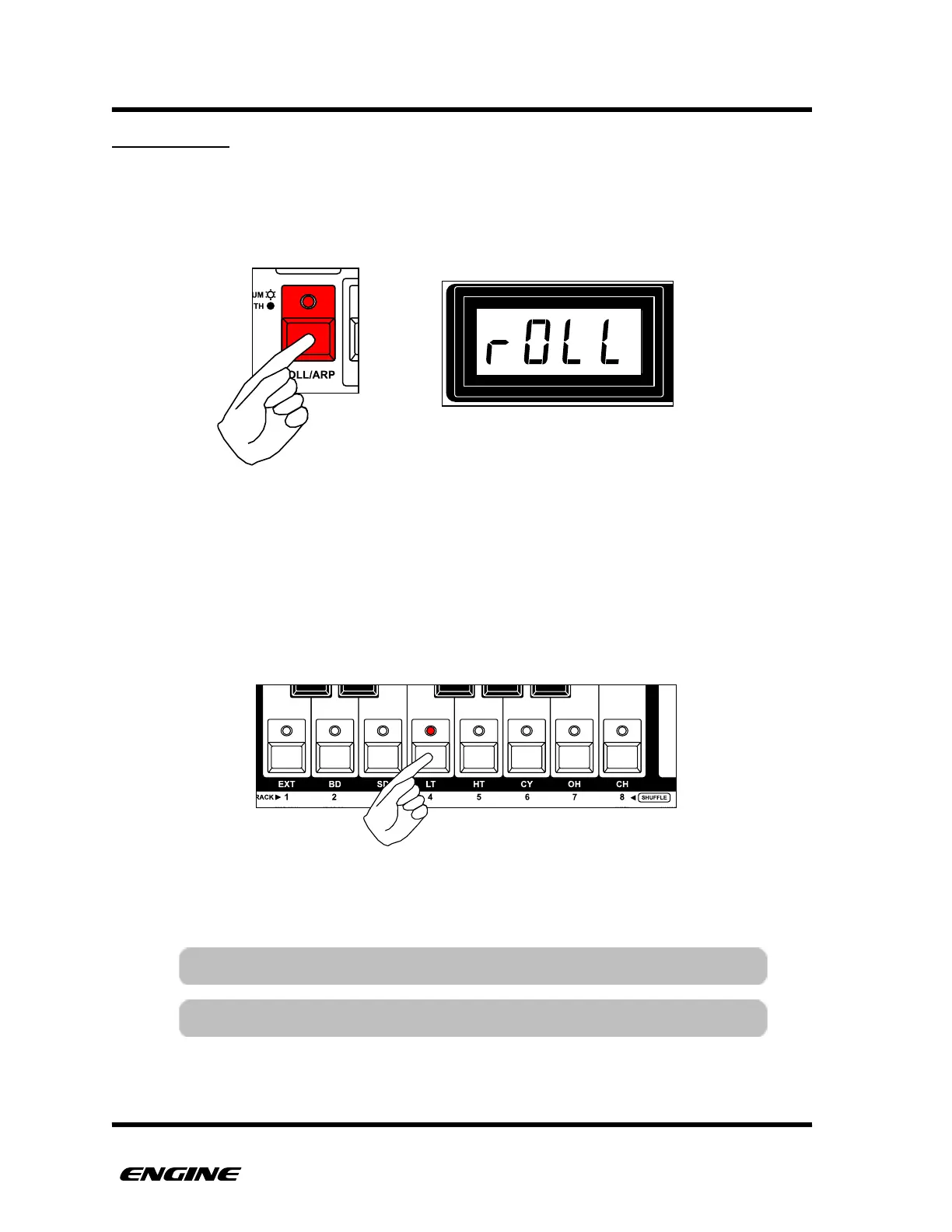
To enter DRUM ROLL mode, press and hold (or double-click) the ROLL/ARP button.
While in DRUM ROLL mode, the white mini keyboard buttons can be used to play drum
rolls for each of the sixteen drum instruments. The ACCENT button can also be pressed to
add accents in realtime.
To switch between the two groups of eight drum instruments, hold the DRUM SELECT
button and then click the BACKWARD or FORWARD button. The current group is
displayed on the BACKWARD or FORWARD LED.
While playing a drum roll, the sequenced pattern for that instrument is overridden. When
the drum roll is released, the sequenced pattern resumes.



 To Next Page