EXECUTING RANDOMIZATION
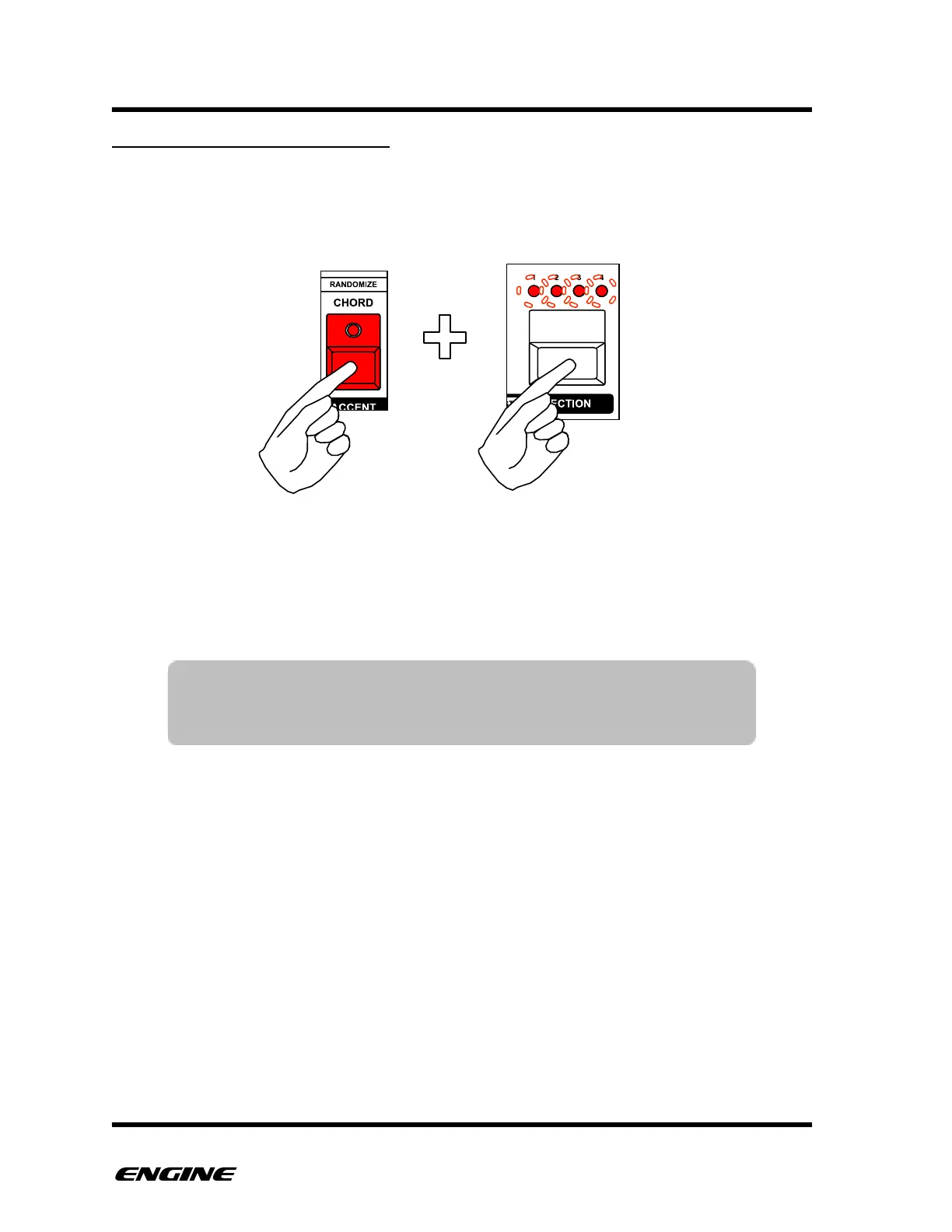
To perform randomization of the current pattern, in FUNCTION mode, press and hold the
RANDOMIZE (accent) button, then click the SECTION button to confirm. The section
LEDs blink to warn that randomize is a destructive operation.
After pressing the SECTION button, the pattern will be immediately randomized.
The SECTION button can be clicked multiple times to repeatedly generate random
patterns.
TIP: Randomize is a destructive operation. All current pattern
information will be overwritten. You can use the UNDO function
to recover from accidental randomization.



 To Next Page