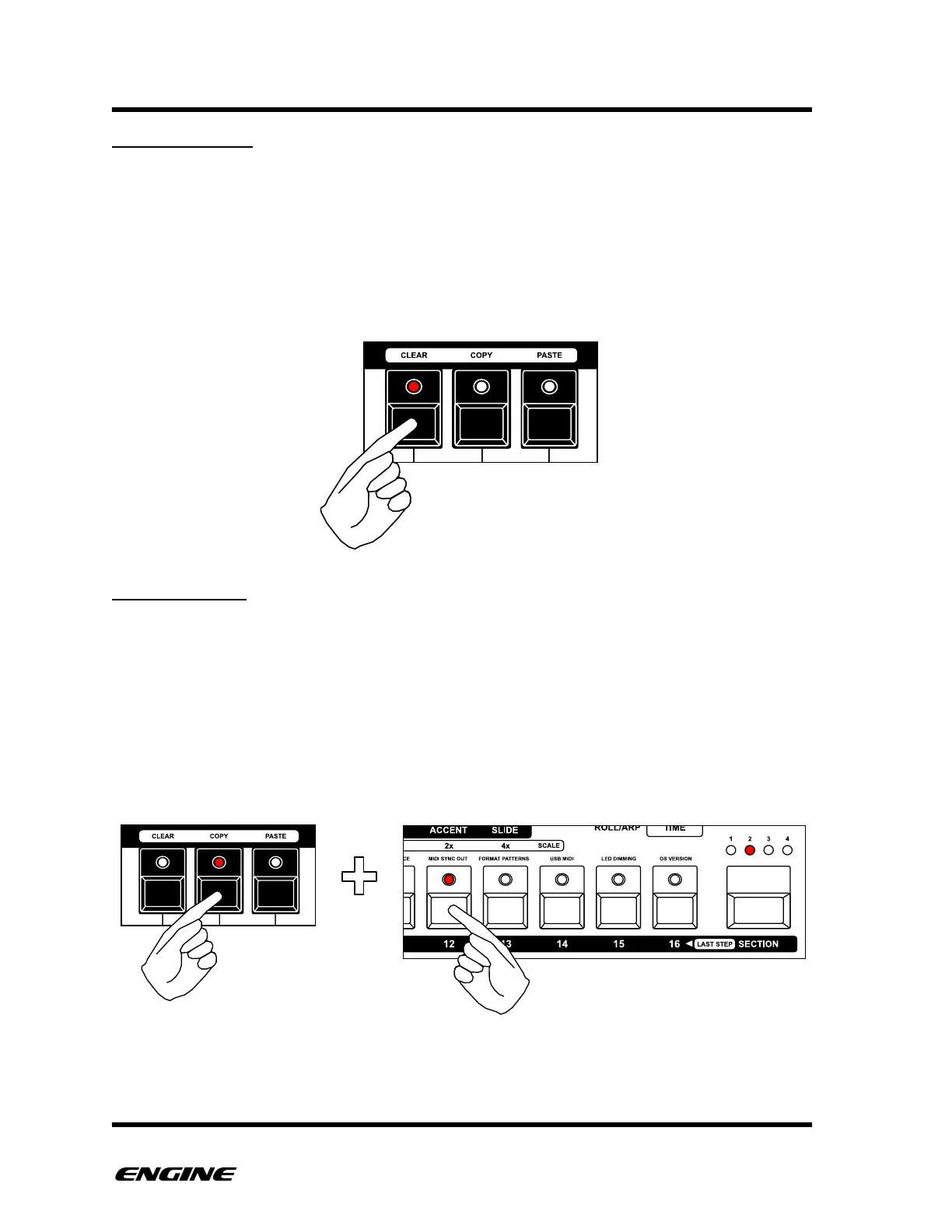
PATTERN CLEAR
The pattern clear function will remove all note events and reset all steps to the default
pitch on a SYNTH type pattern. It will also reset the pattern length to 16 steps, time scale
to 1x (4/4) and shuffle amount to zero.
To clear a pattern, in FUNCTION mode, press and hold the CLEAR(F#) button on the mini
keyboard, then click the pattern step button of the pattern you wish to clear. The current
pattern is shown with a brightly lit LED on the pattern step buttons.
PATTERN COPY
Patterns can be copied into a temporary buffer for pasting into another pattern location
or transmitting via MIDI system exclusive. Pattern copy can also be used to copy patterns
between tracks.
To copy a pattern, in FUNCTION mode, press and hold the COPY (G#) button on the
mini keyboard, then click the pattern step button of the pattern you wish to copy. The
current pattern is shown with a brightly lit LED on the pattern step buttons.
The copied pattern is now stored in the pattern buffer.



 To Next Page