PATTERN FUNCTIONS
There several useful functions that operate on patterns, which are available in FUNCTION
MODE. These include things like pattern copy and paste, clear, rotate and randomize.
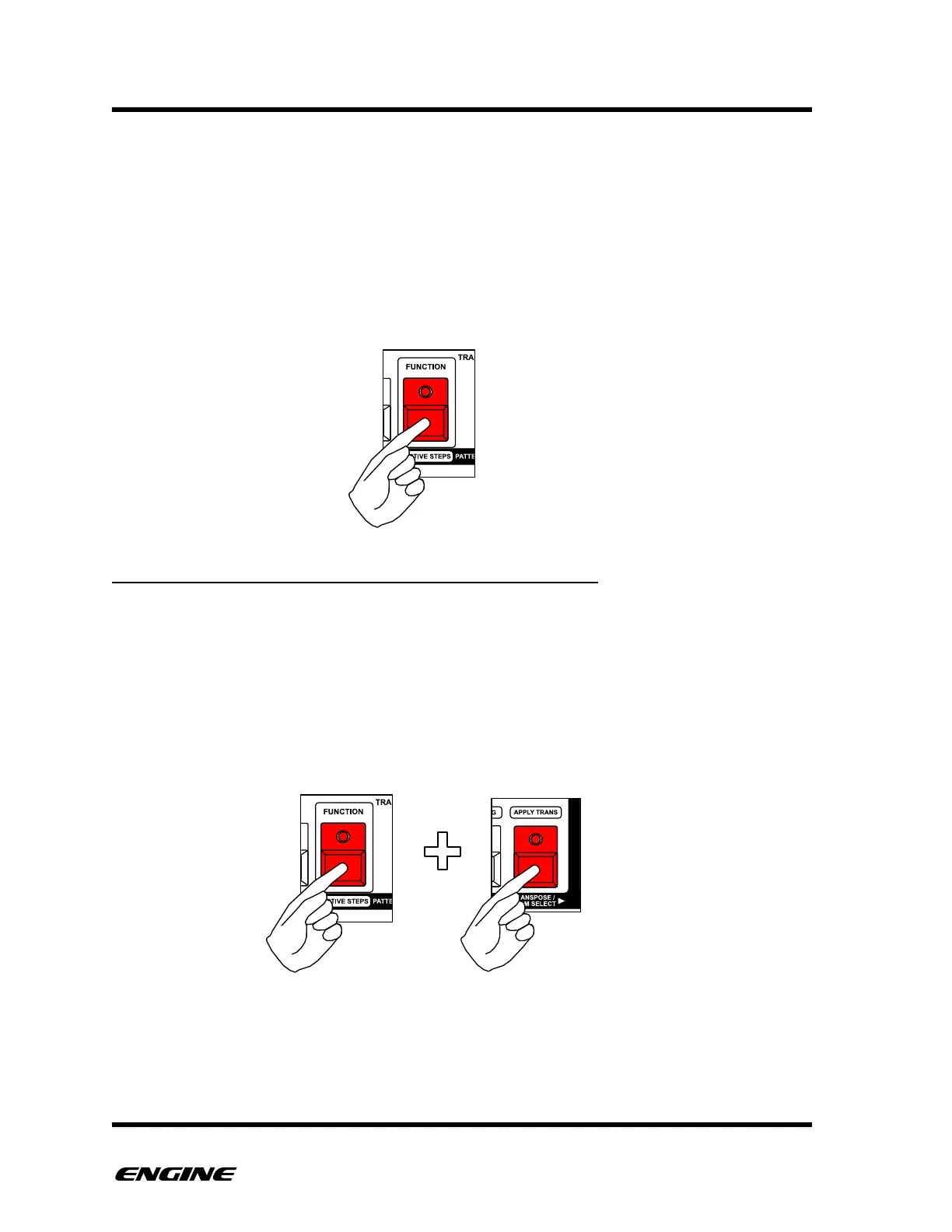
To enter FUNCTION MODE, press and hold (or double click) the FUNCTION button. The
FUNCTION button is outlined with a color and text above the button. All of the available
functions in function mode are shown as colored text surrounded by a colored line above
the relevant button.
DRUM/CONTROL: OPERATING ON ALL INSTRUMENTS
By default, pattern functions apply to all instruments. To operate on individual instruments,
press and hold the TRANSPOSE/DRUM SELECT button before performing the pattern
function.
While holding the TRANSPOSE/DRUM SELECT button, the white keys of the mini-
keyboard display the selected instrument. You can select a different instrument directly
from the mini-keyboard. This makes it easy to apply pattern functions to different
instruments individually.!



 To Next Page