SETTING SONG STEP REPEATS
While in song STEP RECORD mode, you can set the number of times a song step should
repeat before moving to the next song step. A song step can be set to a maximum of
eight repetitions.
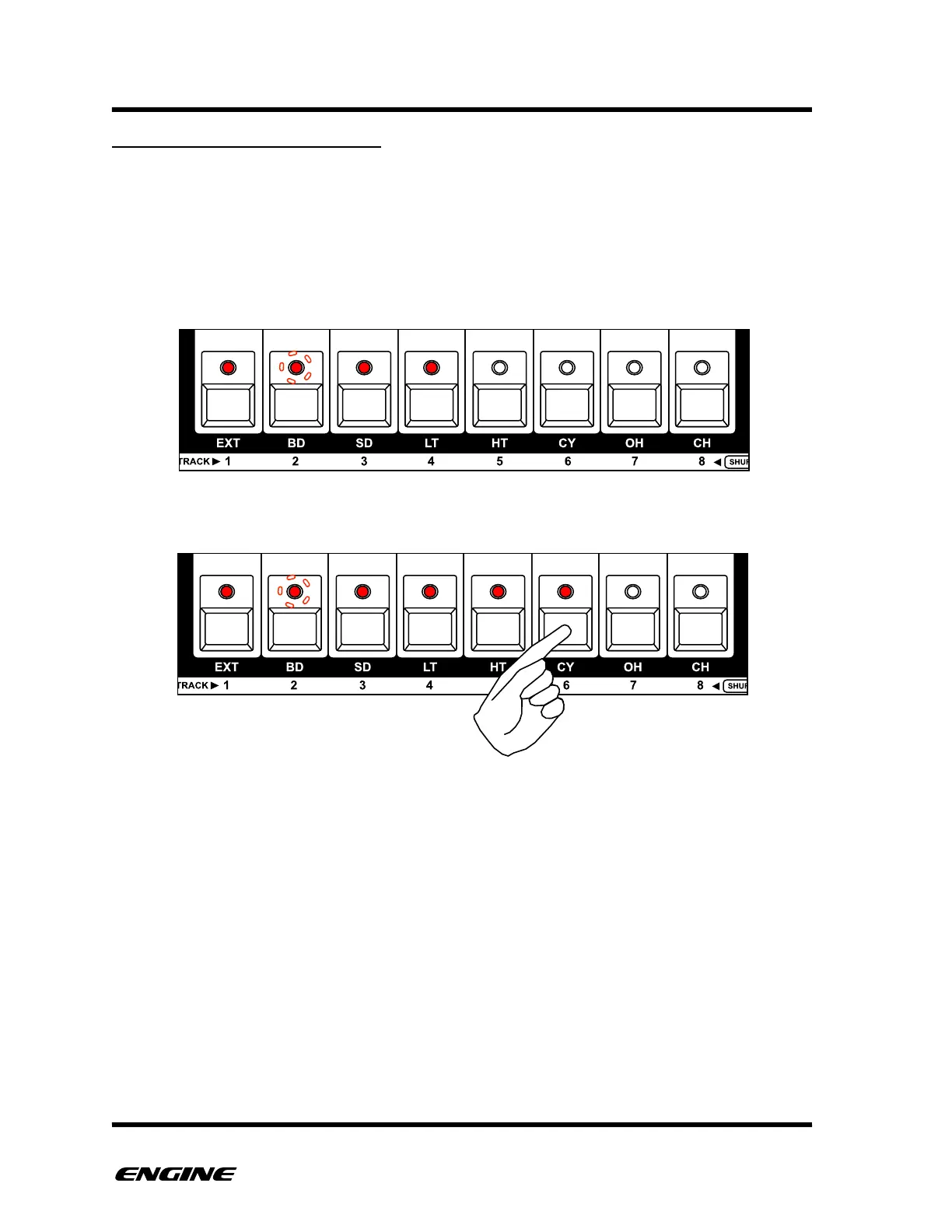
The current song step repeat is shown on the white buttons of the mini keyboard, with the
current number of repeats shown as a series of lit LEDs. When a song is playing, the
current repeat location is shown as a blinking LED on the mini keyboard.
To change the number of song step repeats, click one of the white mini keyboard buttons.



 To Next Page