SOLOING INDIVIDUAL CONTROLLERS
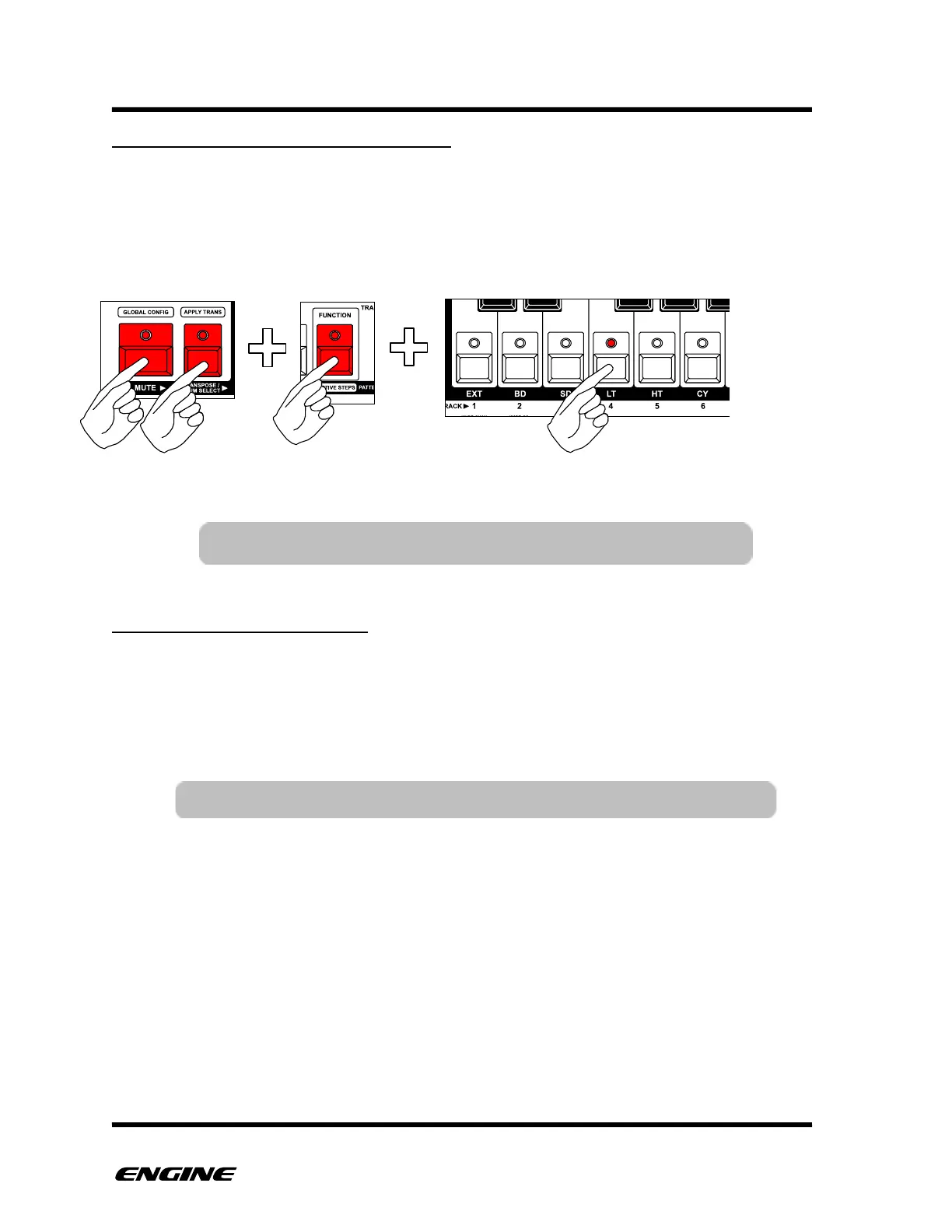
A single controller can be soloed, which will mute all other controllers. To solo a
controller, while in CONTROL MUTE mode, press and hold the FUNCTION button, then
click the controller you wish to solo. The selected controller will be unmuted, all other
controllers will be muted.
UNSOLOING CONTROLLERS
When a control is soloed, you can quickly unsolo it and return to the previous control
mute settings.
To unsolo a controller, while in CONTROL SOLO mode, click the previously soloed control
button. The control mute settings will be restored.



 To Next Page