DIN CONTINUE
Although not officially part of the standard DIN sync spec, Engine supports DIN continue.
DIN continue is achieved by keeping the DIN run signal high and stopping transmission of
DIN clocks when stopping the sequencer. Clocks are resumed when continuing the
sequencer. If not continuing the sequencer (starting from the top) the DIN run line is
momentarily dropped before sending DIN clocks.
This feature may work with some slave machines better than others. Specifically, some
DIN sync devices may stop “responding” when an active clock is not present, meaning
that the slave machine LEDs may stop blinking and buttons may not respond while it is
“waiting” for a clock signal.
When DIN continue is disabled, the slave machine will always start from the top, even
when continuing, which would cause the machines to be out of sync.
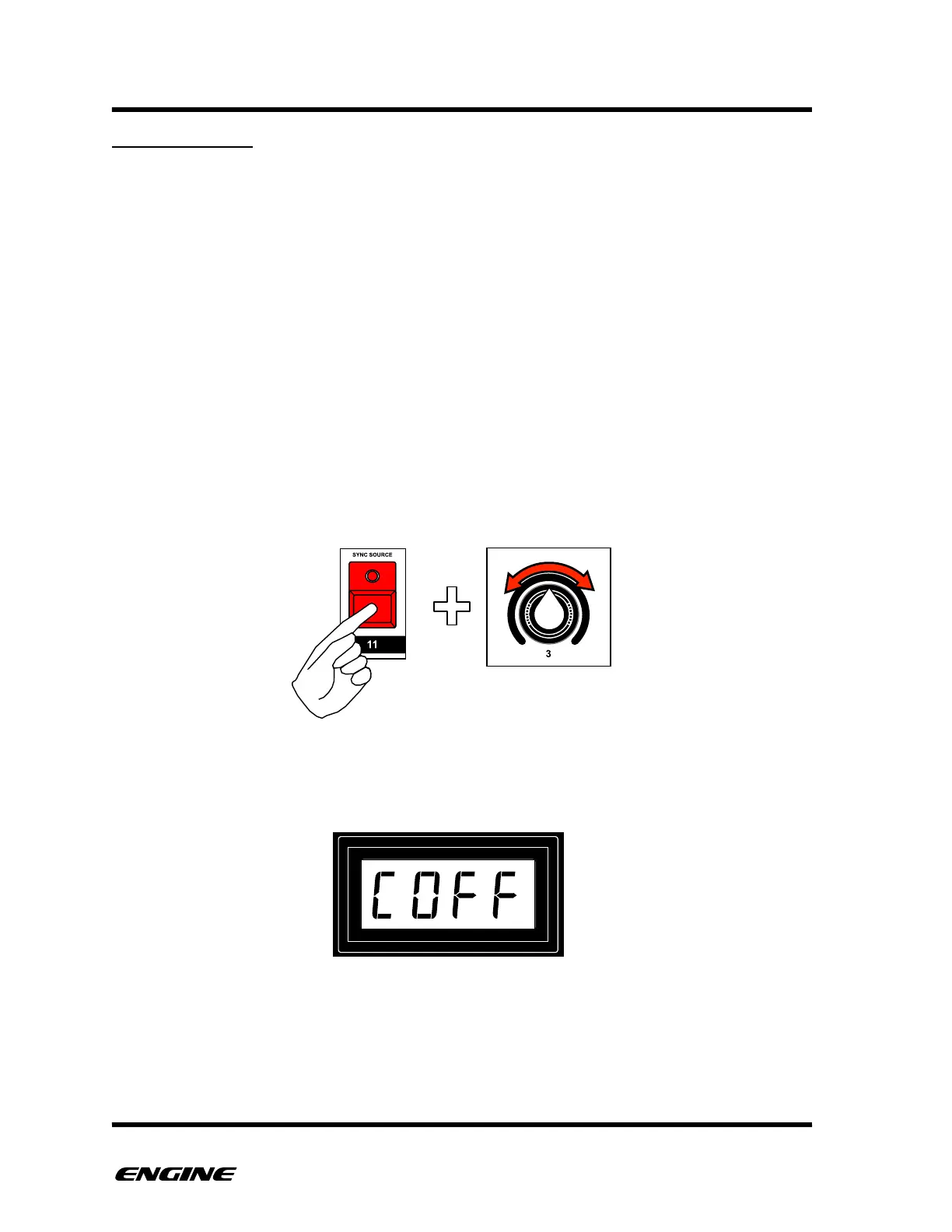
To turn on/off DIN continue, while in CONFIG mode, press and hold SYNC SOURCE
(step 11) button, then rotate control knob three.
The current DIN continue state will be shown on the LED display while holding the SYNC
SOURCE button.



 To Next Page