ADAPTIVE RECORD MODE
Engine includes a unique recording mode called “adaptive record”. Adaptive record
essentially records a performance at any speed with the sequencer stopped and then
dynamically “fits” the performance into the current pattern.
This is especially useful for playing a sequence exactly as imagined without trying to play
against a metronome or recording in realtime.
SETTING UP FOR ADAPTIVE RECORD
To set up for adaptive record, first create a pattern or pattern chain that is the length and
timing you wish the final result to be (using TIME MODE). For example, a long pad
progression over 64 steps at 4x time scale.
INITIATING ADAPTIVE RECORD
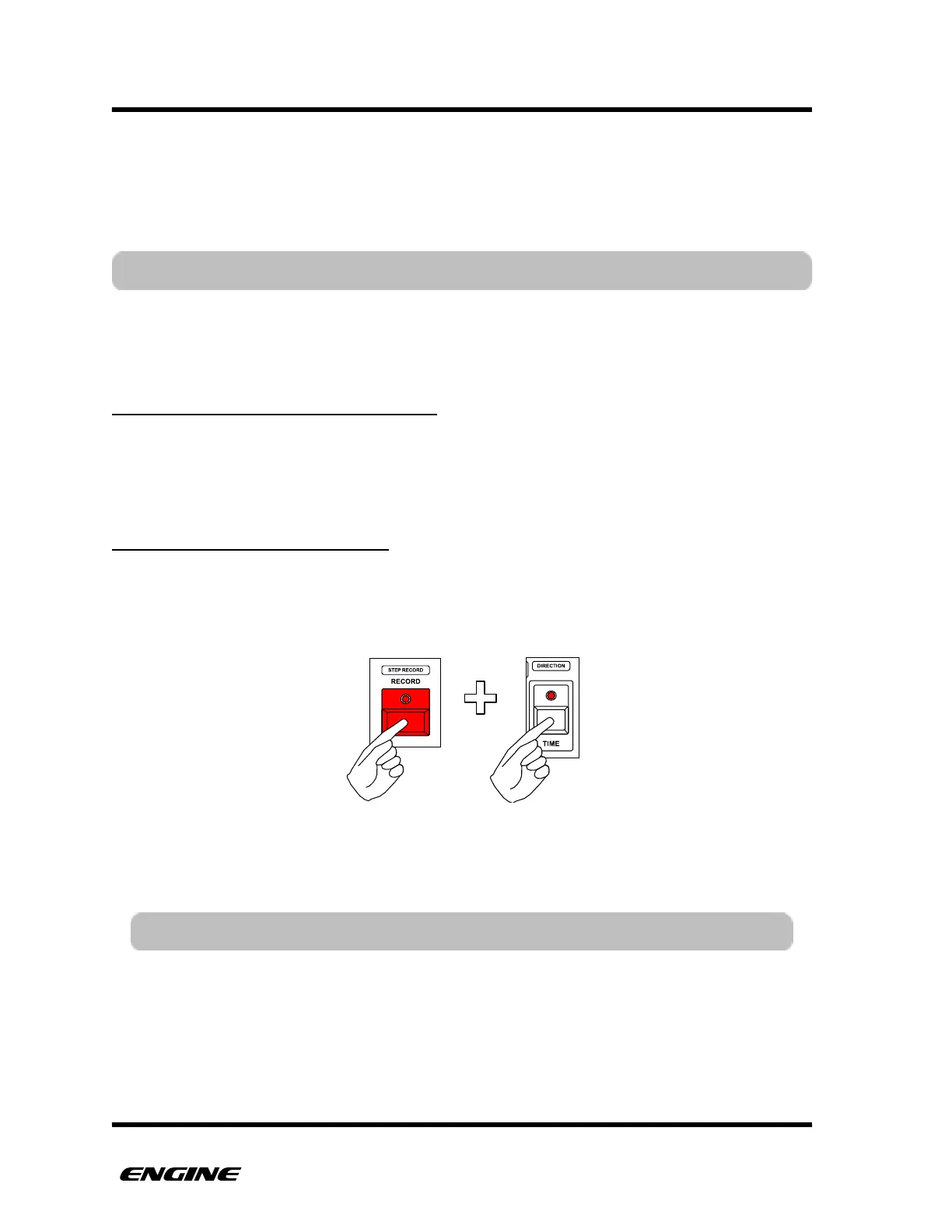
Now, initiate adaptive record. With the sequencer stopped, hold the RECORD button and
click the TIME button. The TIME and RECORD LEDs will blink to indicate ADAPTIVE
RECORD is active.
Now, play the performance using a MIDI controller or the mini keyboard on Engine.
Adaptive record starts with the first note. The speed (tempo) of the performance doesn't
matter, but try to keep accurate relative timing for the notes.



 To Next Page